OneDrive
M365 and Copilot

What do you know about Microsoft 365 OneDrive?

Who remembers saving your files to your local hard drive on your computer or to multiple floppy disks to keep them safe for future use? Sometimes you had to overwrite some of those files to save new ones because of the lack of space? No more worrying whether you have
by Kayla
Read More
teams feature
M365 and Copilot

Enhanced Audio and Video Features in Microsoft Teams Meetings

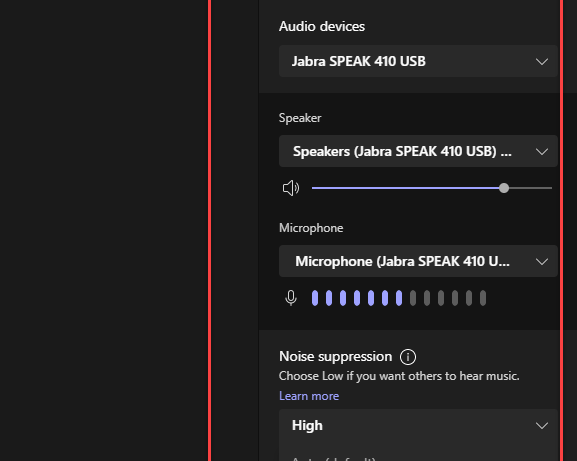
With the rise of virtual meetings and remote work becoming the new norm, the quality of calls and meetings on Teams has become incredibly important. Microsoft is “committed to ongoing improvements to Teams audio and video quality, through user-facing features and settings, to cutting-edge codecs and AI.” With that, I

by Kayla
Read More
Track changes1a
Cloud Hosting

Tracking Your Own Changes in Microsoft 365 Word Online

The critical part of producing great content requires getting feedback from your colleagues. Years ago, we found ourselves comparing documents next to each other to see what changes were made, and whether to accept those changes. It was time consuming reading word for word in each document trying to spot

by Kayla
Read More
Export To PPT 1
M365 and Copilot

Instantly Create PowerPoint Presentations Using Your Microsoft Word Document

Occasionally, my manager would come to me and ask that I transfer a Word document into a PowerPoint. As you may know, transferring the information by copying from Word and pasting it into a PowerPoint slide can be time consuming. You can now save time creating PowerPoint presentations with this

by Kayla
Read More
Webinar Graphic 2018 600px e1717084168504
Cloud Hosting

Webinar (10/12): Security and Compliance with a Remote Workforce

Tuesday, October 12, 2021 1:00 PM - 1:30 PM (CDT)   Working from home is a necessity for many businesses during this global pandemic, but a remote workforce is something that will last beyond the outbreak. Business leaders are now left to wonder: how do I ensure cyber-safety for my

by Ben
Read More
2021 09 15 14 16 06
Acumatica Cloud ERP

Crestwood Library of Recorded Webinars

Missed a webinar? Want to watch it again? Need a refresher? Or just looking for information? Visit our library of Crestwood webinar recordings.  We have saved them all in one easy access location for you.  Here is a list of categories and featured videos all in one place for your

by Kayla
Read More
Transcribe 1
M365 and Copilot

Transcribe your Audio Files Free in Microsoft 365 Word

Raise your hand if you ever had to transcribe an audio file and was frustrated by the number of times you had to hit the rewind button and listen to the same sentence repeatedly? Well guess what, with Word’s Transcribe feature, you no longer need to click that rewind button

by Kayla
Read More
TeamsMeetings1
M365 and Copilot

Useful New Meeting Features in Microsoft Teams

Microsoft’s Teams development team is at it again! There are so many new features released in July that are sure to make your next Teams meeting a successful one. Check out the new meeting features: Search Function Need an old recording but don’t know the date it was recorded or

by Kayla
Read More
WebTeams1
M365 and Copilot

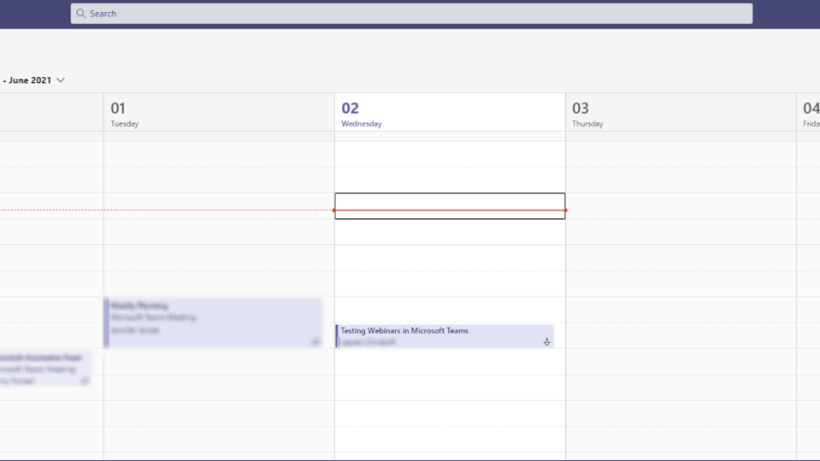
How to Save $1200 a Year with Webinars in Teams

I could not personally tell you how long I have been waiting for Microsoft to release their Webinar platform in Teams. I could tell you the anticipation grew with every email from Microsoft teasing the release. Here at Crestwood we have been actively using GoToWebinar.com for all our webinar needs

by Kayla
Read More
DM1
M365 and Copilot

A Change of Scenery with Dark Mode in Microsoft 365

Do you find yourself lost in space looking at the same screen day in and day out? Want to change it up a bit? Give it fresh new look and feel? Microsoft 365 has enabled Dark Mode in its suite of office products. So instead of constantly looking at a

by Melissa
Read More
NewFeatures1
M365 and Copilot

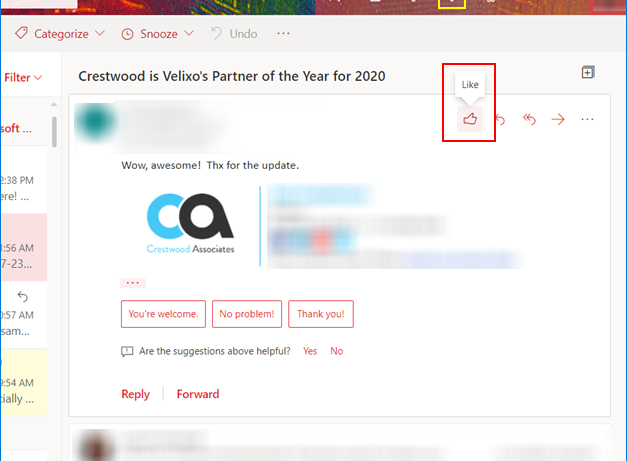
New Features for Microsoft Outlook on the Web

I have always enjoyed using Microsoft Outlook for the desktop but every now and then I will jump to the online version just to check out the new features released. In this blog, I’m going to show you how to quickly react to emails, use prediction text, and pin important

by Kayla
Read More
Webinar Graphic 2018 600px e1717084168504
Dynamics Business Central

Processing AP Invoices Using Office 365 and Microsoft Teams (Webinar Recording)

This event has passed, but you can still view the recording! View the Recording   Come join us to learn how Microsoft Office 365 and Teams together with DynamicPoint’s Invoice Automation app, EasyAP365, can be used to automate each step in your organization’s AP Invoice process. The agenda will include:

by Kayla
Read More
TOC1
M365 and Copilot

The Easy Way to Build a Table of Contents in Microsoft Word

Have you ever found yourself scrolling through hundreds of pages searching for specific information?  Keyword searches are time consuming and do not necessarily locate what you need. So, how do you manage to find that info?  The answer, you build a Table of Contents (TOC). In my previous blog, I

by Kayla
Read More
Styles1
M365 and Copilot

Give Your Documents a Little Pizazz with Styles in Microsoft Word

Recently, I was assigned a project to format one of our product training manuals. Being a desktop publisher for over 20 years, my first initial thought was: Oh my! Who created this mess? The table of contents was broken, fonts were mismanaged, and the images were all over the place,

by Kayla
Read More
Mail Merge1
M365 and Copilot

Need Help Printing Labels for your Holiday Greetings?

With Covid still around, many people want to find a way to personalize their holiday greetings. But after handwriting messages and stuffing envelopes, the last thing you want to do is write out address after address. Check out this blog on how to set up a mail merge to print

by Kayla
Read More
RulesOutlook1
M365 and Copilot

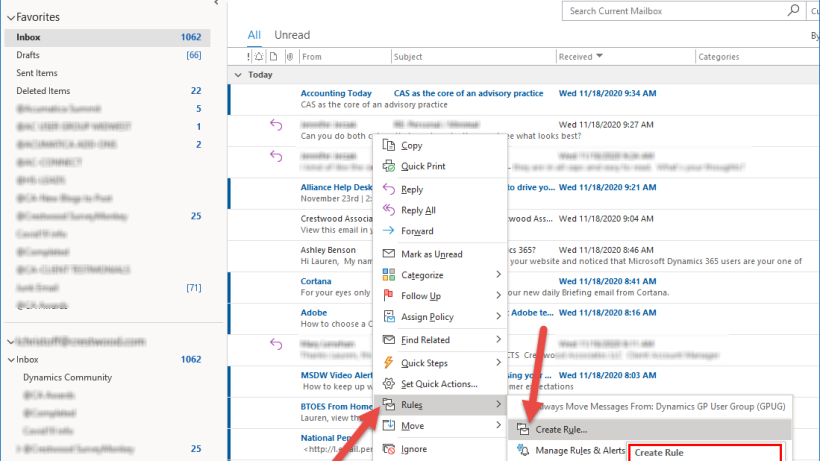
Clean Up Your Microsoft Outlook Inbox by Creating Rules

Does your Microsoft Outlook inbox get flooded with emails every day like mine? Ever wish they would magically move to another folder where you can view them later; so that you can concentrate on what is important. In this blog, I will teach you how clean up your inbox by

by Kayla
Read More
NovFeatures1
M365 and Copilot

November’s Nifty New Features in Microsoft Teams

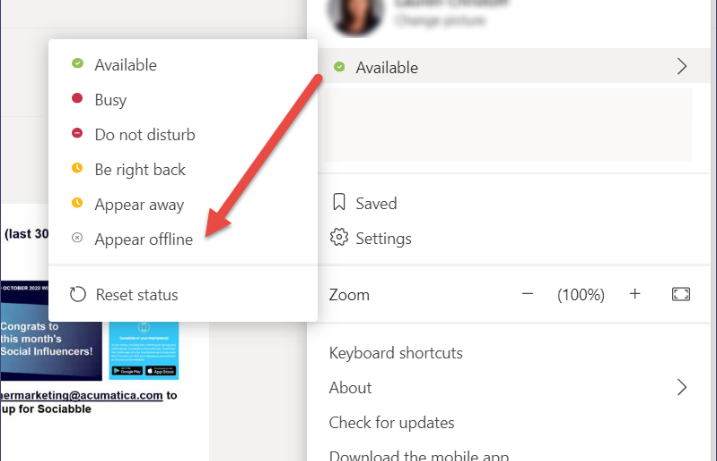
It’s November, fall is here, weather in the Midwest is getting a little chillier day-by-day. With year-end approaching, we want to make your daily tasks a little faster, easier, and hopefully painless. Check these out: Sometimes marking your status as Busy or Do not disturb honestly doesn’t really work, people

by Kayla
Read More
MS365 Editor1
M365 and Copilot

Never Make a Mistake Again with Microsoft Office 365 Editor

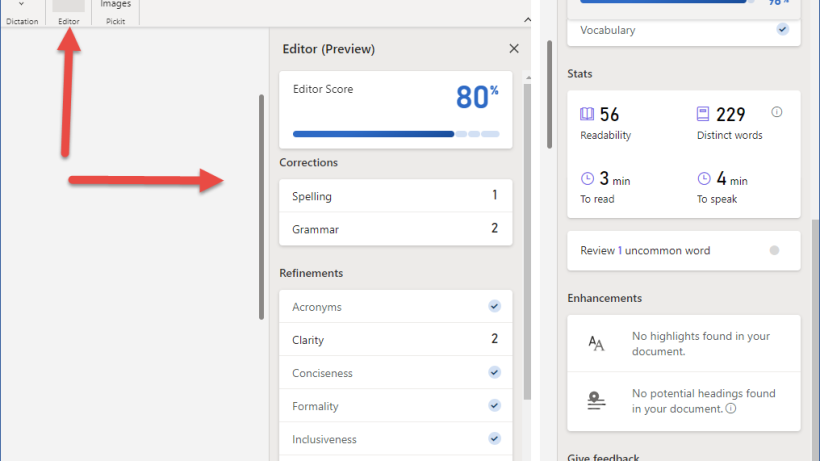
Write with confidence with Microsoft’s Editor feature. Available on both the web and desktop version, this AI-powered service helps bring out the best writer in you. With one click on the Editor button, view what Editor underlines as an issue in your documents or emails and gives you suggestive changes

by Kayla
Read More
Templates Search1a
M365 and Copilot

Microsoft Office 365 Templates Galore, Oh My!  

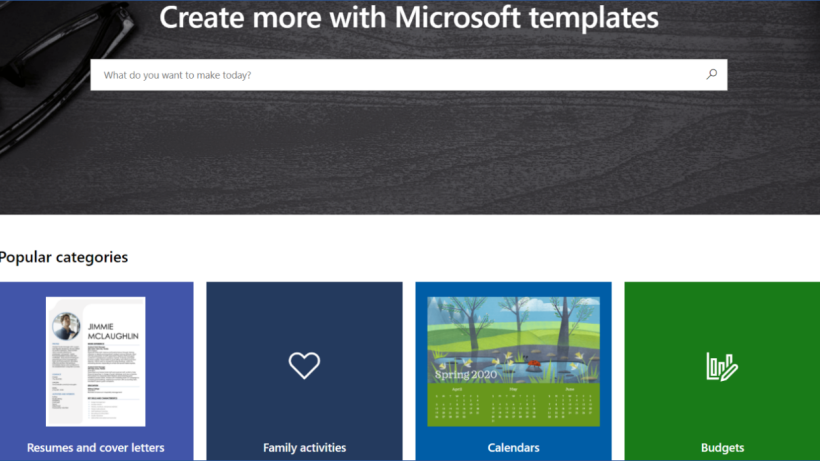
While I was exploring Microsoft’s website for the next productivity tip, I found a plethora of Office templates and fun activities you can do with your family.   Through your Microsoft Office 365 subscription you will be able to search and create freely from a mass selection of premium Office templates for work, school, or family projects. Explore templates for budgets in Excel, templates to create

by Kayla
Read More
Whiteboard 1
M365 and Copilot

Liven Up Your Teams Meeting with Microsoft’s Whiteboard

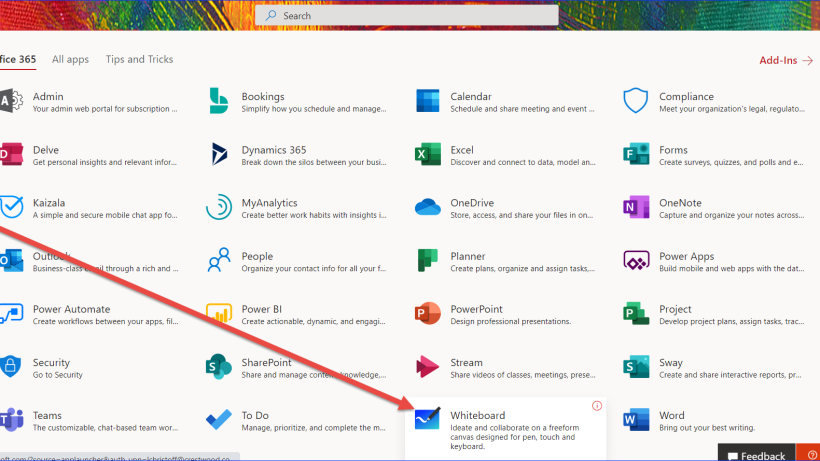
Staring at PowerPoint slides during your company meeting whether working remote or at the office can be a bit, here it is I’m going to say it… BOOORRRRRIIINNNING! Let’s be honest, company meetings with zero interaction with team members is no fun. After the first 15 minutes of just listening

by Kayla
Read More
PivotTable 1
M365 and Copilot

The Basics of Excel PivotTables

Microsoft Excel can be very intimidating especially when you’re not an expert, like me. I was asked to write a blog on a topic I was not familiar with.  I chose to challenge myself and learn more about Excel and the creation of PivotTables. What is a PivotTable? A PivotTable

by Kayla
Read More
Teams SP 1
M365 and Copilot

What is the Difference between Microsoft Teams and SharePoint? & How to Use Them to Help Locate Exactly What You Need

Microsoft Teams and SharePoint Here at Crestwood we’ve been using Microsoft Teams for approximately a year now and we’ve become very familiar with its features. Saying that, doesn’t mean we know it all, because we don’t, or at least I don’t. I can honestly tell you we learn something new

by Kayla
Read More
SearchTeams1
M365 and Copilot

Office 365: How to Find Things in Microsoft Teams

Crestwood Associates has been using Microsoft Teams for a while now, but I still get calls and questions every day about where something is located.  Teams is great for collaborating, meetings, etc., but even I forget where something is at times.  This article is going to show you tips and

by Kayla
Read More
Adobe image
M365 and Copilot

How Do You Sign a Document Working Remotely or Without a Printer?

There’s no doubt that working from home can be challenging, especially if you don’t have an office full of equipment. If you don’t possess a printer, how do you execute documents that need a signature or sign documents? There’s no doubt that working from home can be challenging, especially without

by Mike Gordon
Read More