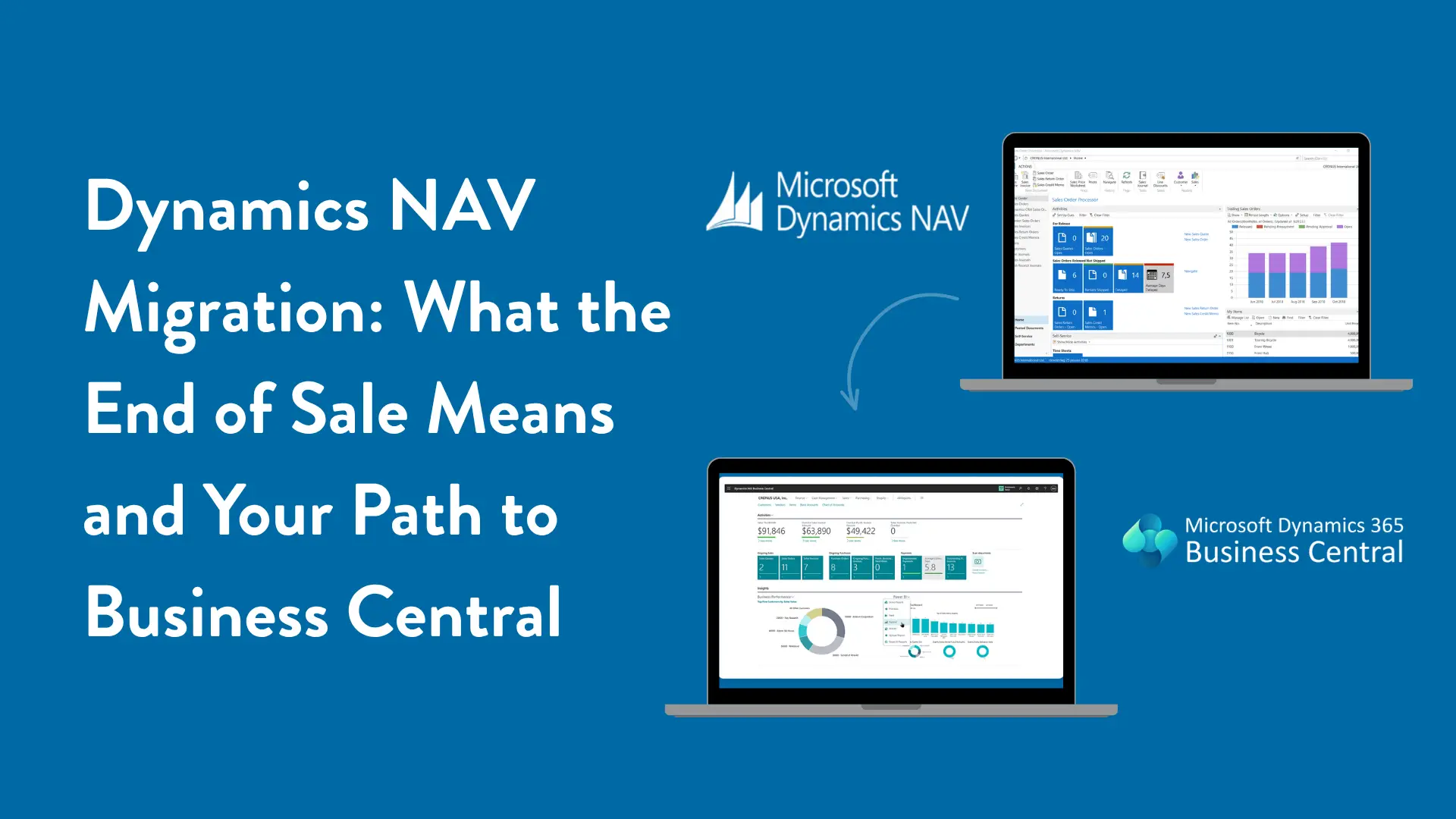
What is changing for Dynamics NAV customers?
Microsoft has named April 30, 2031 as the end of sale for Dynamics NAV on-premises. On that date, three things stop. You can no longer renew your annual Service Plans, such as EP or AP. You can no longer renew subscription licenses. You can no longer buy additional perpetual licenses for your existing system. Subscription use of NAV through the Service Provider License Agreement also ends.
Your system does not shut off that day. What ends is your ability to renew, expand, or stay under active Microsoft licensing. That distinction matters, so define two terms before you plan around them.
End of sale means you can no longer buy or renew the product. End of support means Microsoft stops shipping security patches, tax and regulatory updates, and hotfixes for a given version. Most Dynamics NAV versions are already past mainstream support today. The 2031 date puts a hard stop on the licensing side and makes the timeline visible to everyone in your organization, including your auditor and your board.
Why waiting until 2030 is the expensive option
Every year you stay on Dynamics NAV past this announcement adds cost and risk. The math works against you in four places.
- Security. Running an unsupported ERP version means no patches. Every new vulnerability stays open on a system that holds your financial data.
- Compliance and audit. Auditors and private equity buyers ask what system runs your financials. “We are on unsupported NAV” invites more questions and can affect valuation.
- Talent. The pool of NAV developers shrinks every year. The people who know your customizations are retiring or moving to Business Central work.
- Incentive window. Microsoft’s migration funding rewards early movers. A 30 percent discount and voucher support will not be waiting for you in 2030.
A migration planned across 2027 and 2028 is a controlled project. A migration forced in 2030 is a fire drill, and fire drills cost more in fees, overtime, and business disruption. The question is not whether you move. It is whether you move on your calendar or on the deadline’s calendar.
What replaces Dynamics NAV?
Dynamics 365 Business Central is the direct successor to Dynamics NAV. It shares the same product lineage, which is why Microsoft positions it as the migration target rather than a rebuild from zero. If your team knows NAV, they will recognize Business Central.
The difference is what Business Central adds. It runs in the cloud with continuous updates, so you stop living on a frozen version. It connects natively to the Microsoft tools your team already uses, including Outlook, Excel, Teams, and Power BI. It includes AI capabilities through Copilot for tasks like bank reconciliation and reporting. For a finance leader, that means a faster close, cleaner reporting, and an audit trail that answers questions without a stack of spreadsheets.
“I have worked in Dynamics NAV for more than 20 years. The customers who get hurt are not the ones on an older system. They are the ones who wait until the deadline forces a rushed project. Move to Business Central on a plan and you keep what you built and you control the timeline. That is the whole difference.”
Dan Milani, Service Director and 20+ year Dynamics NAV expert, Crestwood Associates
How the migration from NAV to Business Central actually works
Data migration from NAV to Business Central follows a defined path, not a guess. Crestwood runs it through the Modernization Decision Framework, or MDF, which sequences the move into four stages.
- Assess. We document what you run today: your NAV version, your customizations, your integrations, and the data you need to carry forward.
- Decide. We map what moves as is, what becomes a modern extension or app, and what you retire because a newer Business Central feature already covers it. This is also where you choose cloud or on-premises.
- Migrate. We move your data and rebuild the pieces that need it in phases, with your team testing along the way.
- Go live. We aim for a Non-Event Go-Live, which means the switch happens without the drama most teams brace for, because the work was tested before the date.
The honest part most vendors skip: not every NAV customization should move. Some were built to work around a NAV limitation that Business Central already solves. Part of the value of the assessment is deciding what to leave behind. Our Education First approach means your team understands each of those calls before the project starts, not after.
The migration incentives that reward acting now
Microsoft is funding this move, and the funding favors early movers. Two programs matter for NAV customers.
- Bridge to Cloud 3. A 30 percent discount on a fixed three-year term for qualifying NAV and Business Central on-premises customers who move to Dynamics 365 Business Central.
- BC Migration Voucher Program. Microsoft funds vouchers that offset part of the implementation cost through your partner.
Together, these lower the cost of a planned migration today. They are the reason moving in the next two years is cheaper than moving in the last two years before end of sale.
Why NAV customers choose Crestwood for the move
Crestwood has spent 27 years and more than 5,000 implementations helping mid-market companies move off legacy systems and onto modern ERP. We are a Microsoft Business Central partner, and our team is 100 percent in-house.
We sell it, implement it, and support it. In-house employees throughout. One hand to shake.
For a NAV customer who has felt stranded on a product with a shrinking bench of people who understand it, that continuity is the point. The same consultants who plan your migration are the ones who support you after go live.
See where NAV is exposing you
Before you commit to a timeline, get a clear picture of what you are actually moving and what staying on NAV is costing you. That is what a NAV Migration Assessment gives you. It is a working session, not a sales call. You walk away with a read on your options and a scoped path, whether or not you move with us.
You do not need a decision to start. You need a clear picture. Request a NAV Migration Assessment to get one.
Frequently asked questions
When is Dynamics NAV end of life?
Microsoft has set April 30, 2031 as the end of sale for Dynamics NAV on-premises. After that date, customers cannot renew Service Plans or subscription licenses, or buy additional perpetual licenses. End of support for security and regulatory updates follows each version’s own lifecycle, and most NAV versions are already past mainstream support today.
Is Navision the same as Dynamics NAV?
Yes. Navision is the original name for the product Microsoft later branded Dynamics NAV. Longtime users often still call it Navision. Dynamics 365 Business Central is the current successor to both, built on the same product lineage.
What is the difference between end of sale and end of support?
End of sale means you can no longer buy or renew licenses. End of support means Microsoft stops shipping security patches, tax and regulatory updates, and hotfixes for that version. A system can be past end of support while still running, which is exactly the risk that makes an unsupported ERP costly to keep.
Do I have to move Dynamics NAV to the cloud?
Business Central is available in the cloud and on-premises, so you have a choice. Microsoft directs its investment, AI features, and migration incentives toward the cloud version. Most mid-market NAV customers moving now choose cloud for the continuous updates and lower maintenance, but the assessment is where you decide what fits your business.
How do I migrate data from NAV to Business Central?
The move follows an assessment, a data mapping step, and a phased migration with testing before go live. Your NAV version, customizations, and integrations determine the scope. Because Business Central shares NAV’s product lineage, much of your data and structure carries forward rather than being rebuilt from scratch.
How long does a NAV to Business Central migration take?
Timelines depend on your data volume, the number of customizations, and your integrations. A focused mid-market migration is usually measured in months, not years, and the assessment produces a scoped timeline with a real go-live date rather than an open-ended estimate.
What is Bridge to Cloud 3?
Bridge to Cloud 3, or BTC3, is a Microsoft promotion that gives qualifying NAV and Business Central on-premises customers a 30 percent discount on a fixed three-year term when they move to Dynamics 365 Business Central. It is one of two funding programs Microsoft offers to lower the cost of an early migration.