


If you use Skype for Business, you can always go in and look at your call history. However, did you know, if you dig a little bit, you can also get the exact time, date and duration of the call? There might be other methods of retrieving this information, but here is the simplest method that I have found.
Here’s how:
- Click on the clock icon and find the call you want more information on.

- Double click on the call to see the detail view.

- Then click on the ‘Click here’ link to see the duration.
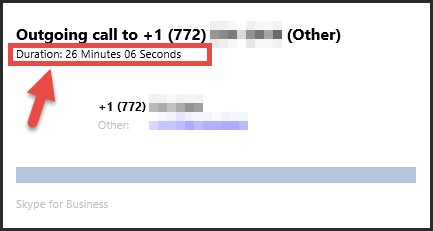
We are always running across tips and tricks like this. If you have questions or need some assistance, visit our support page for more help.


