LockoutUsers1
Dynamics GP

Lock Users Out During File Maintenance in Dynamics GP

There are many instances when you need to prevent users from logging into Microsoft Dynamics GP. For example, File maintenance Year-end close No problem. Dynamics GP comes with a tool to take your company offline, which prevents users from logging in. Here’s how: Log into Dynamics GP as 'sa' Navigate

by Dan Milani
Read More
GPErrorClose1
Dynamics GP

Dynamics GP Errors Couldn’t Close Table and Other Connection Issues

Have you ever worked in Dynamics GP and encountered the “FP: Couldn’t Close Table!” or “Open Operations on File” errors when trying to close out of Dynamics GP? Why might this happen? The reason why these errors occur is usually that something is “interrupting” a process assigned to your machine

by Dan Milani
Read More
Currencysymbol1
Dynamics SL

Dynamics SL: Adding a Currency Symbol

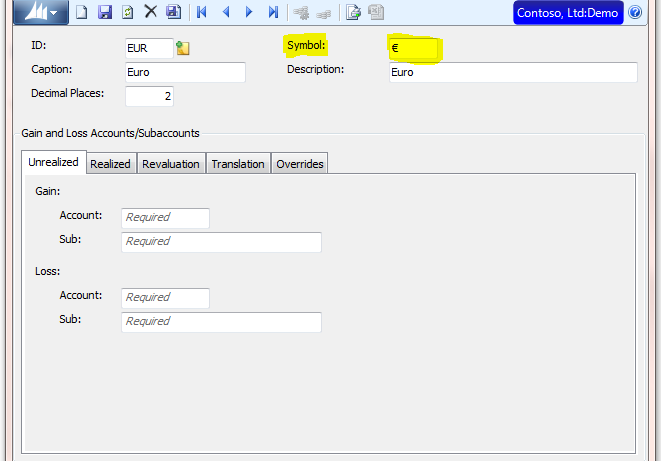
I recently got a call from a client asking how to associate the Euro currency symbol € in their Dynamics SL system.  When using the Dynamics SL currency manager module, you can add additional currency symbols in the Currency Maintenance window. Here’s how: First, you need to start by copying

by Dan Milani
Read More
Currency1
Dynamics SL

Display a Currency Symbol on the Toolbar in Dynamics SL

Microsoft Dynamics SL allows you to customize buttons on the toolbar.  One of the most useful addition is to add the currency symbol.  One thing to note, if you’re not using currency manager, the button will be greyed out or inactive. Here’s how: Create a folder called currency in Microsoft

by Dan Milani
Read More
SLAPVoucher1
Dynamics SL

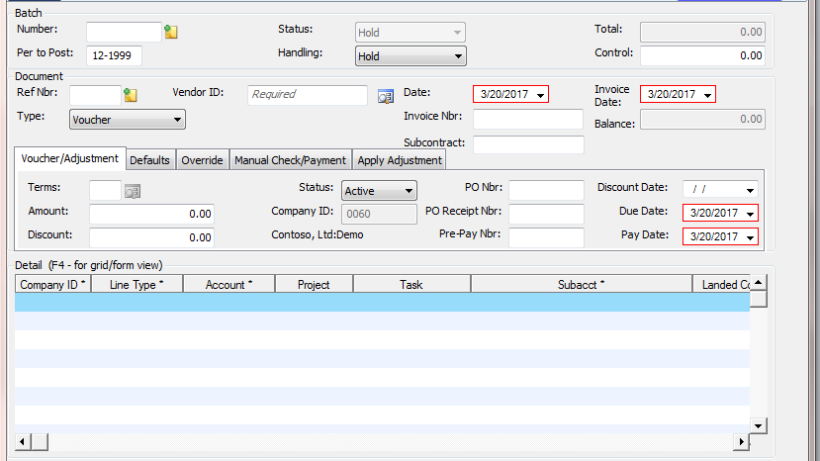
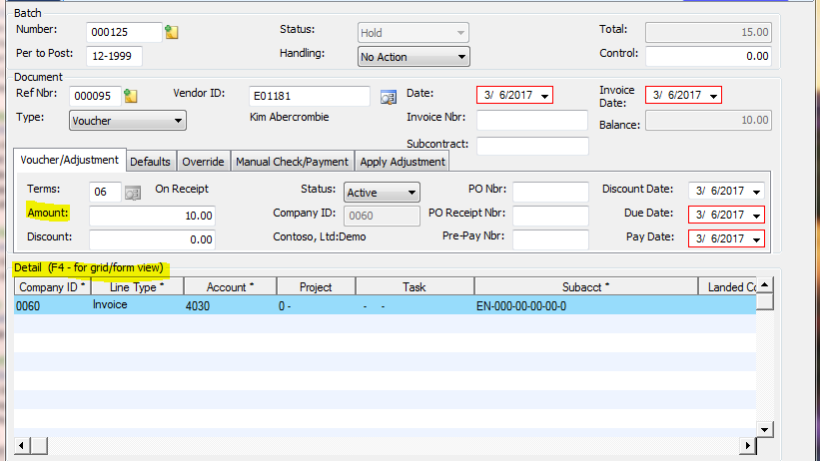
Dynamics SL: AP Voucher and Adjustment Batch is Out-of-Balance and Will Not Release

Have you ever run into this in Microsoft Dynamics SL?  You created a Voucher and Adjustment Entry (03.010.00) batch and the batch will not release. So, you look at the event log and find there’s a message indicating the batch is out of balance but it provides no further information.

by Dan Milani
Read More
SLTime save1
Dynamics SL

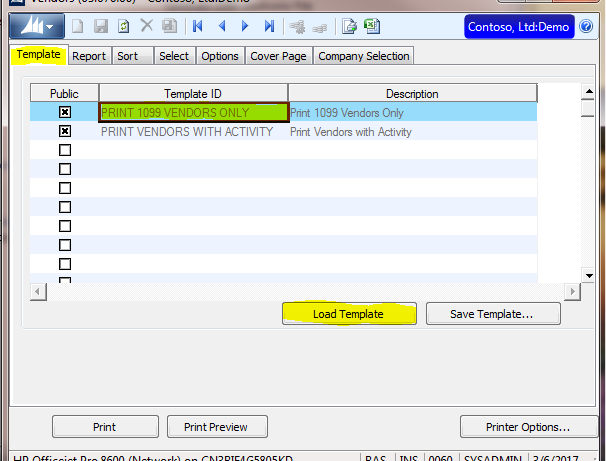
Dynamics SL: Time-Saving Report Templates

Creating a New Report Template from an Existing Template and How-to Delete a Report Template In Microsoft Dynamics SL, report templates are valuable time-saving features.  We use report templates as a starting tool when creating similar type of reports.  That way, we can reuse our parameters to run reports. Here

by Dan Milani
Read More
GpManufacturing1
Dynamics GP

Microsoft Dynamics GP: Changing Currency Decimal Place for an Inventory Item with Manufacturing

There are times you might need to change the number of decimal places for inventory items in Microsoft Dynamics GP Manufacturing.  For example: Items might have been set up incorrectly You might have started purchasing a product from a different supplier, or international supplier and with the currency exchange rates,

by Dan Milani
Read More
download button blue 300x133 1
Dynamics GP

Increasing the Account Number Length

Every year, our support team comes across this question: How do I change the Account Number Length in Microsoft Dynamics GP? It might be that your chart of accounts no longer fits your company's reporting objectives or suites your needs.  Whatever the reason, here's a handy step-by-step guide on how

by Dan Milani
Read More
Resetting pic1
Dynamics SL

Resetting Benefits in Dynamics SL Payroll for the Next Benefit Year

In Microsoft Dynamics SL, employee benefits are defined in the Benefit Maintenance (02.340.00) screen. The field ‘Year Type’ is used to determine when a benefit will be reset or roll over. Here’s an example and explanation of how to reset benefits for the next year. You have two options in

by Dan Milani
Read More
SL AR 1
Dynamics GP

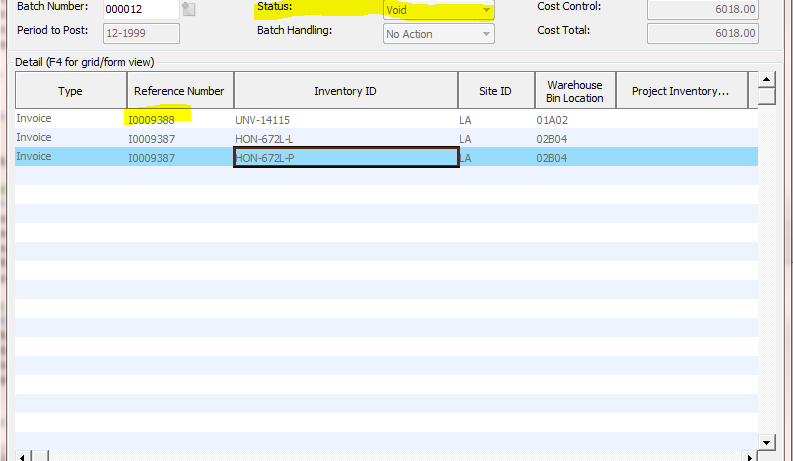
AR or Inventory (IN) Issues Batch Created in Order Management Show as Void

Have you ever encountered the following in Microsoft Dynamics SL? You are running Order Management in Dynamics SL You have AR or Inventory batches that are voided but appear to have data in them. You are missing AR invoices or Inventory transactions. The most common cause for this issue is

by Dan Milani
Read More
MR Error1
Reporting

Error Installing Management Reporter 2012

Error I was installing Management Reporter 2012 CU15 and got the following error: “Management Reporter Setup has ended prematurely” or it might state .NET 4.6 is not installed. Resolution: The fix is to run the Windows Server updates to update the server. This will then allow you to install Management

by Dan Milani
Read More
NewSmartList Pic1
Dynamics GP

How to Create a New SmartList Using SmartList Designer

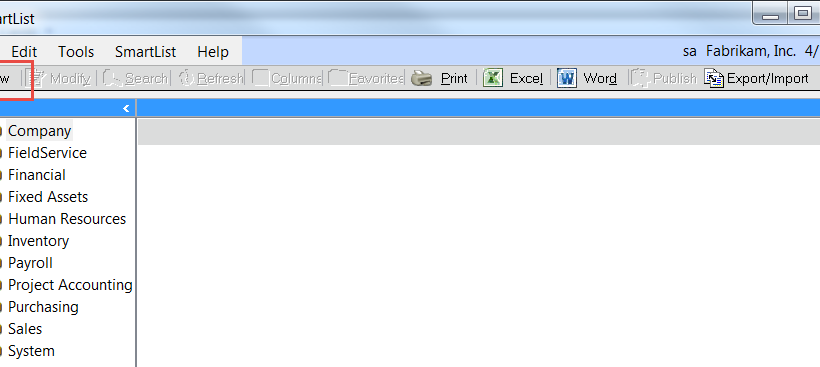
Recently, our support team helped a Crestwood customer set up some new SmartLists using SmartList Designer in Microsoft Dynamics GP.  We created this handy, how-to and wanted to share. Here’s how: Open SmartList (click the Dynamics GP button and then click SmartList) Click the New button at the top left

by Dan Milani
Read More
Upgrade Mouse 2 transparent
General ERP

Why Should I Upgrade My ERP System?

Technology is constantly evolving.  With each new version of Dynamics there are improvements, more efficiencies, and new features. Sometimes, there are additional new modules available. But in order to justify the time and effort and expense of an upgrade, you need to make sure the benefits of the latest and

by Dan Milani
Read More
A Shield CompanyBack to top