PSTL1
Dynamics SL

Using Professional Services Tools Library (PSTL) To Change Key Fields in Dynamics SL

With the release of Dynamics SL 2011 and greater, Microsoft includes a free tool to change key fields in the SL database.  It’s called PSTL (Professional Services Tools Library).  You can use this tool to modify or merge Vendor IDs, Customer IDs, Inventory Items, Accounts, Subaccounts, and many more.  It
by Lori
Read More
SLMemos1
Dynamics SL

Using Credit Memos in Dynamics SL Accounts Receivable

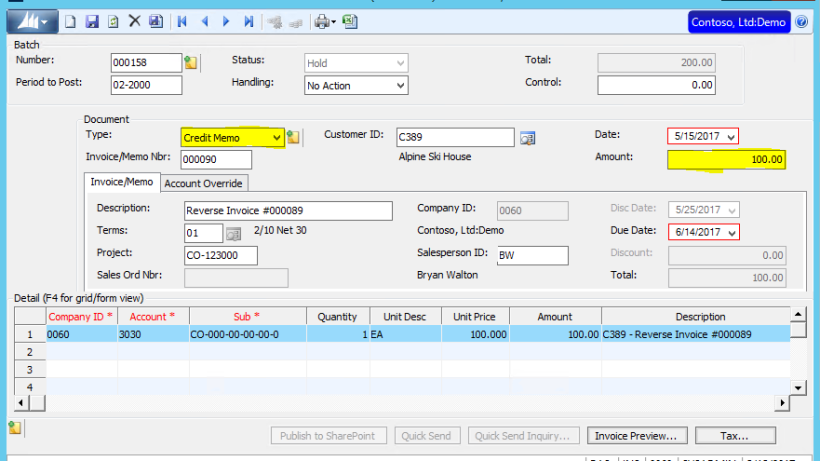
Use Credit Memos in the Microsoft Dynamics SL AR module to reduce the amount of a customer’s invoice or to reverse a customer’s invoice. Below are the steps to enter and apply a Credit Memo to a specific invoice. First, enter the Credit Memo in the AR Invoice and Memo

by Lori
Read More
Currencysymbol1
Dynamics SL

Dynamics SL: Adding a Currency Symbol

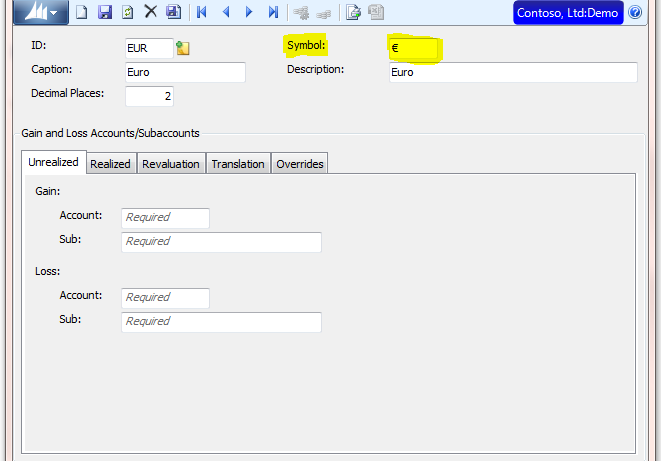
I recently got a call from a client asking how to associate the Euro currency symbol € in their Dynamics SL system.  When using the Dynamics SL currency manager module, you can add additional currency symbols in the Currency Maintenance window. Here’s how: First, you need to start by copying

by Dan Milani
Read More
CustomAP1
Dynamics SL

Dynamics SL: Making it Easy to Update the AP Document Total

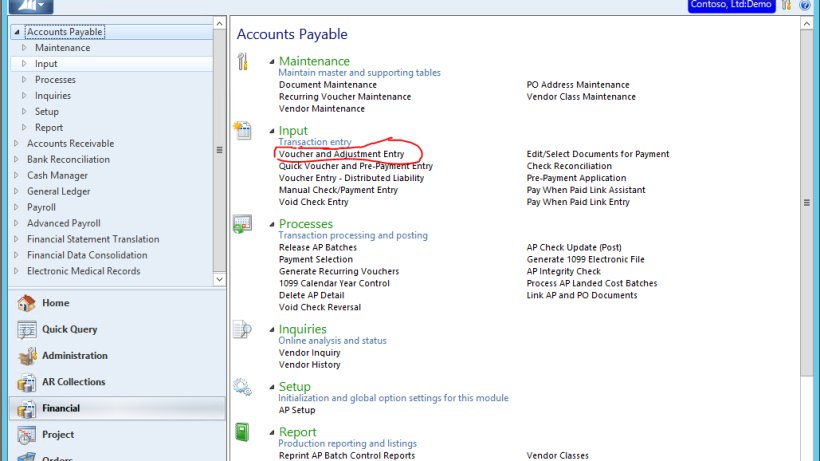
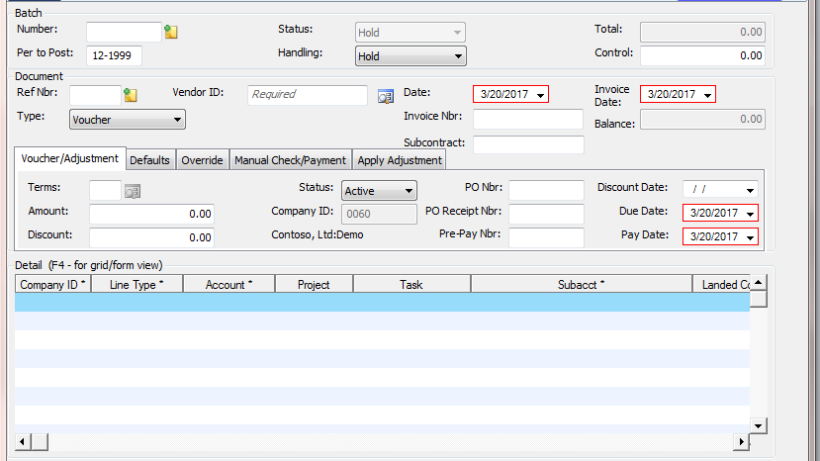
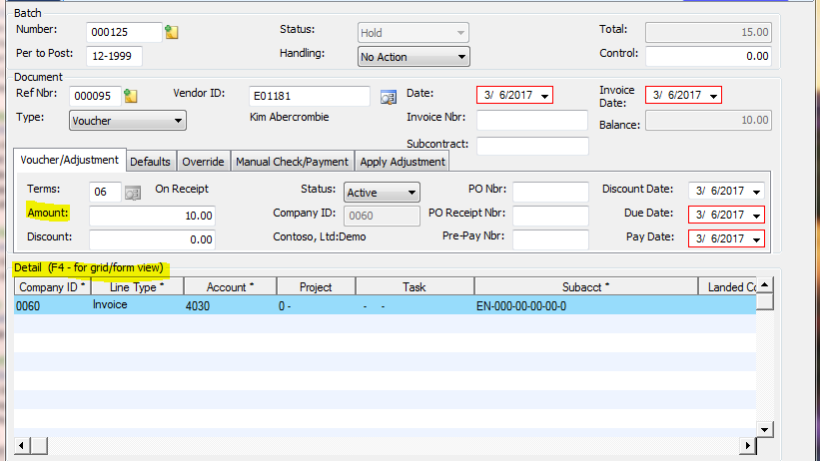
I am all about anything I can do to make it easier and faster to enter data.  Here’s a handy customization trick for Microsoft Dynamics SL to update the AP document total.  I’m going to show you a simple customization that will update the voucher/adjustment total whenever you save the

by Kayla
Read More
Currency1
Dynamics SL

Display a Currency Symbol on the Toolbar in Dynamics SL

Microsoft Dynamics SL allows you to customize buttons on the toolbar.  One of the most useful addition is to add the currency symbol.  One thing to note, if you’re not using currency manager, the button will be greyed out or inactive. Here’s how: Create a folder called currency in Microsoft

by Dan Milani
Read More
NewField SL
Dynamics SL

New Field in Dynamics SL 2015 – Reactivate Earnings

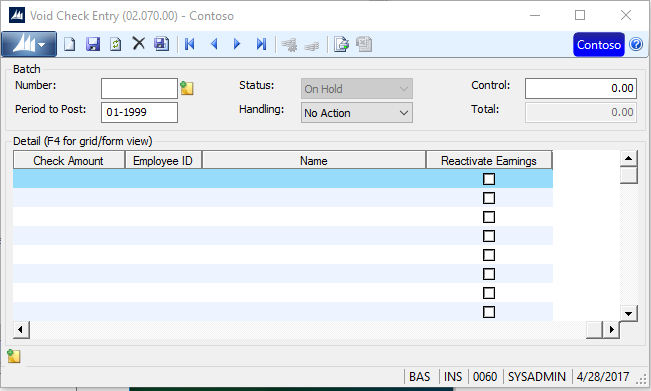
In Microsoft Dynamics SL 2015, there is a great new time saving field in the Payroll Void Check Entry screen.  It specifies if the batch should indicate if the earnings are unpaid when it is released.  In older versions of Dynamics SL, you had to re-enter time if a check

by Mike Gordon
Read More
SLAPVoucher1
Dynamics SL

Dynamics SL: AP Voucher and Adjustment Batch is Out-of-Balance and Will Not Release

Have you ever run into this in Microsoft Dynamics SL?  You created a Voucher and Adjustment Entry (03.010.00) batch and the batch will not release. So, you look at the event log and find there’s a message indicating the batch is out of balance but it provides no further information.

by Dan Milani
Read More
SLTime save1
Dynamics SL

Dynamics SL: Time-Saving Report Templates

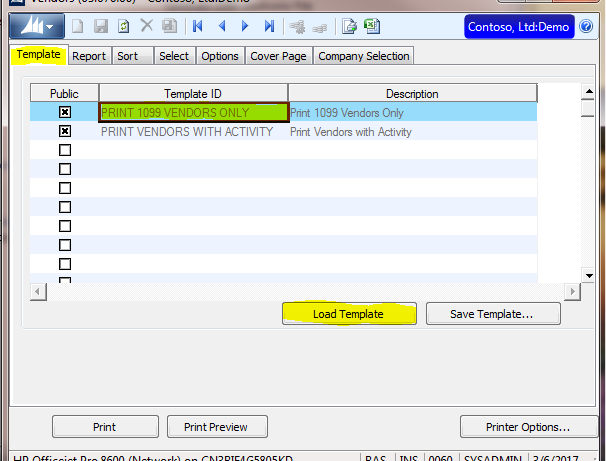
Creating a New Report Template from an Existing Template and How-to Delete a Report Template In Microsoft Dynamics SL, report templates are valuable time-saving features.  We use report templates as a starting tool when creating similar type of reports.  That way, we can reuse our parameters to run reports. Here

by Dan Milani
Read More
Missing Invoice1
Dynamics SL

How to Find a Missing Invoice in Dynamics SL

Has this ever happened to you?  You see all the invoices in an AR Aging report, but when you attempt to apply a payment in the Payment Application screen, the invoice isn’t there. Don’t worry! Most likely it’s because the invoice is already in the process of being applied in

by Mike Gordon
Read More
MR faster1
Dynamics SL

2 Tips to Make Management Reporter (MR) Reports Run Faster with Dynamics SL

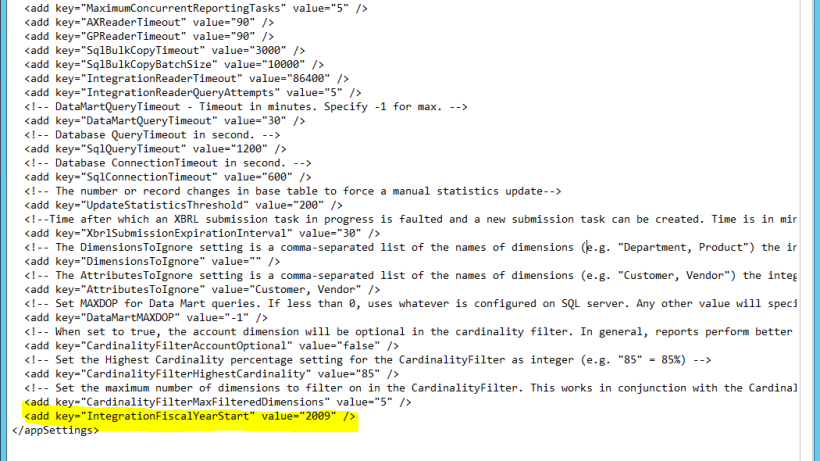
You may notice that Management Reporter (MR) reports run a bit slower than previous, FRx reports in Microsoft Dynamics SL.  If so, we have two great tips for you to try to help improve performance and speed of your reports in Dynamics SL. 2 Tips to increase the speed of

by Lori
Read More
AP Check Reg1
Dynamics SL

Dynamics SL AP Check Register Report is Blank when Selecting by Date

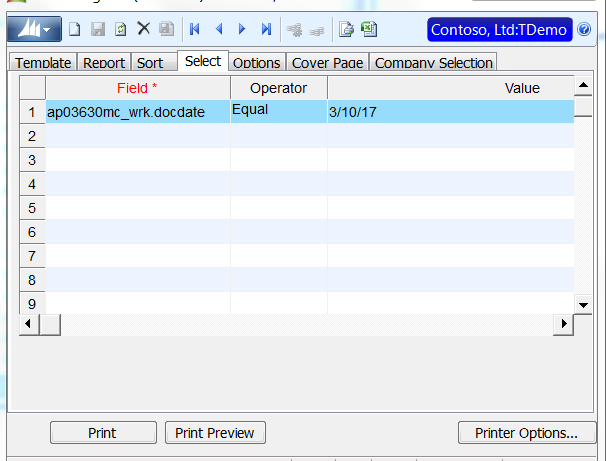
You try to run your Microsoft Dynamics SL AP Check Register for a specific date, using the AP03630MC_WRK.DATE field as shown here: When doing so, your report is completely blank, even though there are checks for this date.  This is due to Microsoft  Dynamics SL 2011 Bug 23391.  Here are

by Lori
Read More
ARTransactions1
Dynamics SL

Dynamics SL AR Transactions Quick Query Gives Me Duplicate Results

The AR Transactions Quick Query that comes out of the box with Microsoft Dynamics SL 2015 has an issue.  It will report duplicates or even more, depending on your data.  The actual underlying view must be modified to correct this. To do so, log into SQL Management Studio.  Then expand

by Lori
Read More
MR logo
Dynamics GP

Adding a Logo to a Management Reporter Report

Using logos on your Management Reporter (MR) reports can make your reports look more formal and professional.  Luckily, it’s super easy to do! Save a copy of your company’s logo anywhere on your local computer or network.  It must be in the format of a “jpg,” “bmp,” or “png” file.

by Lori
Read More
ap pay1
Dynamics SL

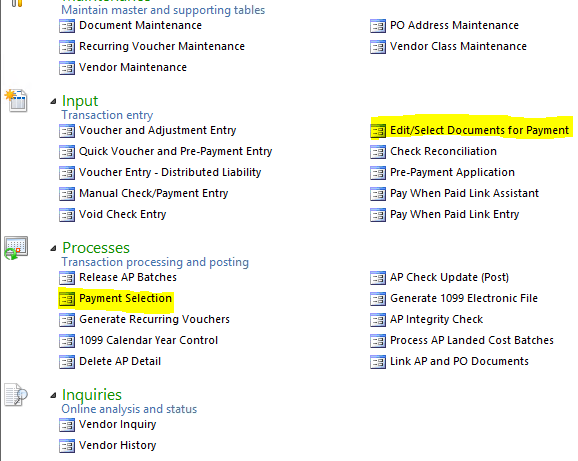
AP Payment Selection vs. Edit/Select Documents for Payment in Dynamics SL

Have you always wondered what the difference is between the AP Payment Selection and the Edit/Select Documents for Payment screens are for in Dynamics SL?  They both are used to select documents for payment in the Accounts Payable module, but what’s really the difference? The Payment Selection screen is actually

by Lori
Read More
SL Dashboard 1
Dynamics SL

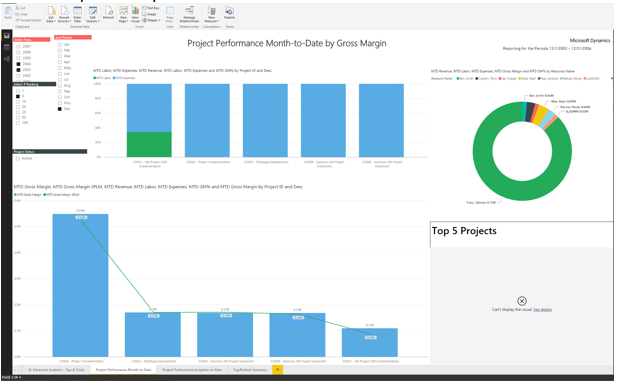
Dynamics SL 2017 Updates and Hotfixes

Microsoft has recently released many updates and hot fixes.  If you haven't been keeping up on these, you might want to take a look.  There have been many issues resolved with some of these.  You'll have to log into your Microsoft CustomerSource account.  If you need help with that, visit

by Kayla
Read More
SLTip 1
Dynamics SL

Dynamics SL Tip: How to Resolve Month-end Warnings

Does this sound familiar?  You are about to close the period or the year in Microsoft Dynamics SL (screen 01.560.00) and you get a warning that there are unreleased batches. This message essentially says caution -- you started a batch in module xxx but never released it and the period

by Colleen
Read More
Resetting pic1
Dynamics SL

Resetting Benefits in Dynamics SL Payroll for the Next Benefit Year

In Microsoft Dynamics SL, employee benefits are defined in the Benefit Maintenance (02.340.00) screen. The field ‘Year Type’ is used to determine when a benefit will be reset or roll over. Here’s an example and explanation of how to reset benefits for the next year. You have two options in

by Dan Milani
Read More
Invalid 1 1
Dynamics SL

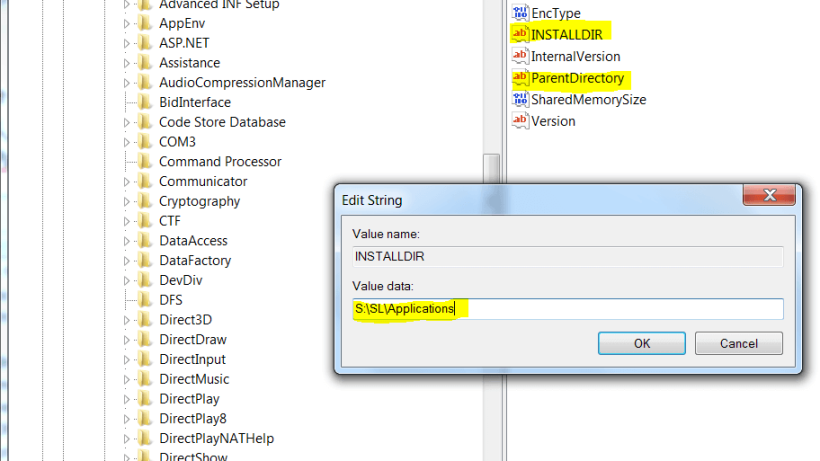
Invalid Shortcut Path for Dynamics SL Causes the System to Crash on Startup

Maybe this has happened to you? You try to launch Dynamics SL, and the application crashes without opening.  Next, you verify the path for the Dynamics SL shortcut, and it’s using either an incorrect mapped drive or a UNC path. This can be caused by several things: User Account Control

by Lori
Read More
Dynamics GP

Get ready for new changes to sales and use tax in 2017

In 2017, when it comes to sales tax, states are taking stances on everything from soda to streaming content, tobacco to tampons. The New Year will also bring renewed efforts by states to implement internet sales taxes and continue the legal battle to overturn existing legislation. Here is a summary

by Kayla
Read More