CA Academy Banner
Dynamics Business Central

Assign Default Expense Accounts for Vendors Using Purchasing Codes in Dynamics 365 Business Central

There is a feature in other accounting systems such as Microsoft Dynamics GP to assign a default expense/purchasing account to a vendor. This account then defaults as the debit when invoices are entered for that vendor. Good news! The same solution exists in Dynamics 365 Business Central using Recurring Purchase
by Juliet Constantino
Read More
D365 Purchase 1
Dynamics Business Central

Copy Purchase Invoices to Speed Up Data Entry in Dynamics 365 Business Central

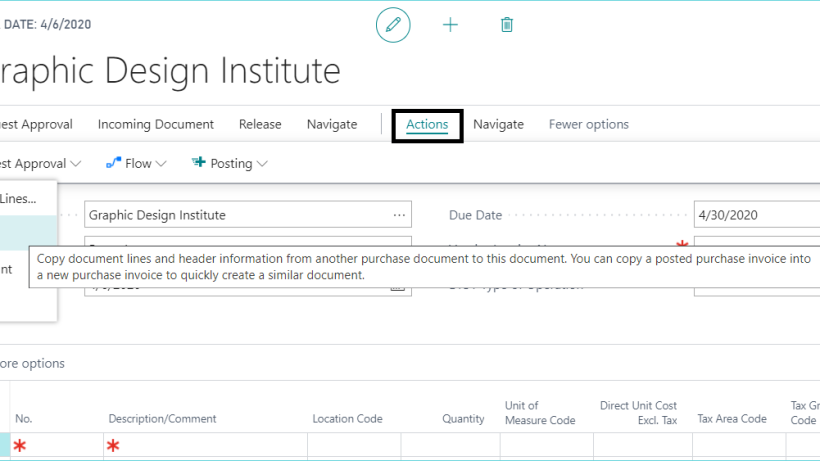
In Microsoft Dynamics 365 Business Central, when creating a new Purchase invoice, you can easily copy a previous posted or unposted invoice from any vendor. This is especially helpful if the same G/L accounts or amounts will be re-used. To create a New Purchase Invoice, enter the Vendor Name then

by Juliet Constantino
Read More
Webinar Graphic 2018 600px e1717084168504
Acumatica Cloud ERP

Webinar: Power BI – When, How, & Why

Wednesday April 15, 2020 - 11:00 AM - 11:45 AM (CST) Register here!   Get MORE from your data! Quickly and easily put Business Intelligence in everyone’s hands. Now might be a great time to analyze your data, find new trends and patterns, and learn how your business can seize

by Kayla
Read More
default expense account 1
Dynamics Business Central

How to Define a Default Expense Account for Vendors in Dynamics 365 Business Central

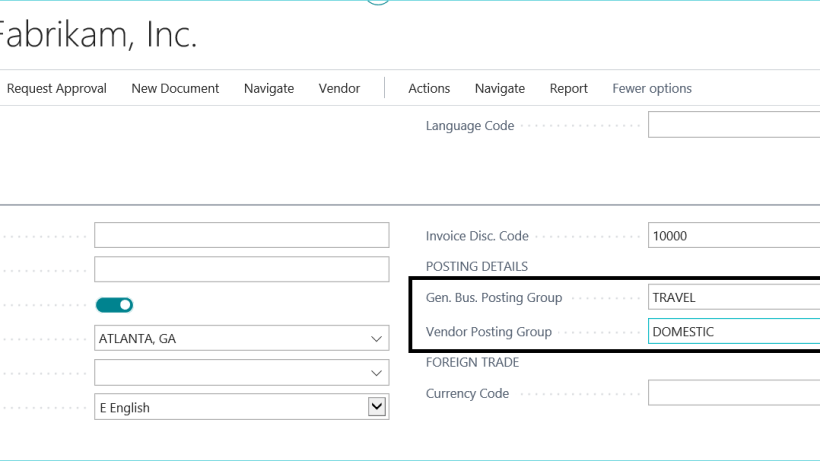
In Microsoft Dynamics 365 Business Central, in order to define a default G/L expense account for different vendors, the vendor will need to have a specific General Business Posting Group assigned to it. [This is the next blog in a series of tips for using Dynamics 365 Business Central. For

by Juliet Constantino
Read More
Webinar Graphic 2018 600px e1717084168504
Security

Webinar: The Most Secure Remote Work Environment: Virtual Desktop

Thursday, June 11, 2020 - 1:00 PM - 2:00 PM (CDT) Register here! Work from home securely... Your normal desktop workspace from anywhere! With Microsoft Virtual Desktop, you can deploy and scale your Windows desktops and apps in minutes, and get built-in security and compliance features. Virtual Desktop is THE

by Kayla
Read More
GL 800px 1
Acumatica Cloud ERP

When Accounting Software Falls Short, ERP Delivers

If you’ve built your business from the ground up, it’s likely you started with accounting software—odds are, you started with QuickBooks. Most businesses do. However, there comes a point when QuickBooks no longer keeps up with your growing business, and you may hear that your next step is enterprise resource

by Kayla
Read More
Virtual Invoice1100px
Cloud Hosting

Getting to a Remote Workforce

We realize you might be tired of hearing about COVID-19, but if you need assistance getting your employees safe, secure, and reliable remote access so you can keep your business moving forward, we have a special offer for you. Crestwood, along with Microsoft, bring to you: Free Microsoft Office licenses

by Ben
Read More
Pitfalls1100px
Acumatica Cloud ERP

Managing Expectations in Your Move to ERP

Change is hard. Shocking, right? Say you’re trying to get healthy. You go out and buy workout gear, get excited about your future self, and you make it to the gym for a day. You wake up the next morning sore—barely able to make it up the stairs—but are still

by Kayla
Read More
Dynamics Business Central

Webinar: Monthly Cloud Workshop – The Ins & Outs of Office 365 Migration

Tuesday, March 31, 2020 - 1:00 PM - 2:00 PM (CST) Register here!   Our first monthly cloud workshop! You've heard all the benefits of Office 365 (Exchange Online, SharePoint Online, OneDrive for Business, Teams, etc.). In our first monthly cloud workshop, Ben Borger will walk you through what transitioning

by Kayla
Read More
D365 Vendor Names1
Dynamics Business Central

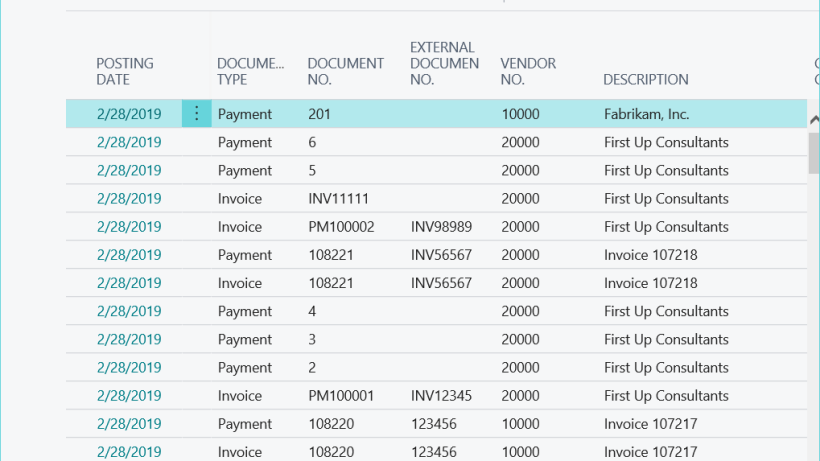
View Vendor and Customer Names and Item Descriptions in Ledger Entries in Dynamics 365 Business Central

A new feature was added to Microsoft Dynamics 365 Business Central to allow users to display vendor names, customer names, and item descriptions in ledger entries. This can be enabled in the following windows: Copy Vendor Name to Entries via a checkbox on the Purchases & Payables Setup page for

by Juliet Constantino
Read More
Dynamics 365 logo e1537835029721
Dynamics Business Central

Should You Consider Microsoft Dynamics 365 Business Central for Your Business?

Microsoft has long been a leader in business solutions.  Their Dynamics solutions; such as, Dynamics GP, Dynamics SL, and Dynamics CRM, have gone through many changes over the years to continue to bring you improved technology. Many customers have been wondering if their current Dynamics solution will be supported in

by Kayla
Read More
CA Academy Banner
Dynamics Business Central

How to Print Payables Checks in Dynamics 365 Business Central

When printing checks in Microsoft Dynamics 365 Business Central, there are a couple settings to be aware of. The following steps will guide you through selecting the correct check stock and printing the checks during payment journal processing. Step One: Double-Check the Check Stock First, select the proper format to

by Juliet Constantino
Read More
D365 1 image
Dynamics Business Central

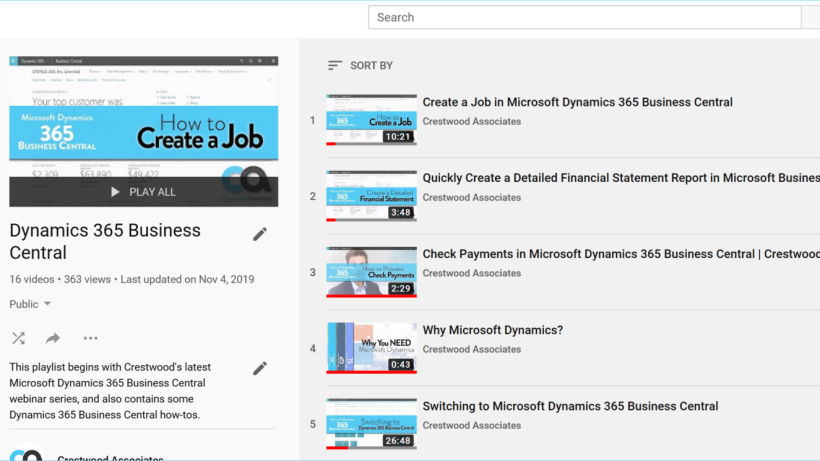
2020 – The New Year Brings Lots of Training Options for Dynamics 365 Business Central

I have noticed a ton of new videos, tutorials, documentation, and overall training materials coming out lately for Dynamics 365.  Seems that the New Year is going to be booming for Dynamics 365!  Here are a couple of recommended and free training places. Crestwood First, don’t forget, Crestwood has a

by Kayla
Read More
CRM in D365 1
Dynamics Business Central

CRM Functionality in Dynamics 365 Business Central

Microsoft Dynamics Business Central comes with built-in light customer relationship management (CRM) capabilities as part of the Essentials license. Click here for a full overview of Dynamics 365 Business Central's functionality. Dynamics 365 Business Central Essentials or Premium users have access to Campaign Management, Campaign Pricing, Contact Classification, Contact Management,

by Colleen
Read More
D365 App Enhance
Dynamics Business Central

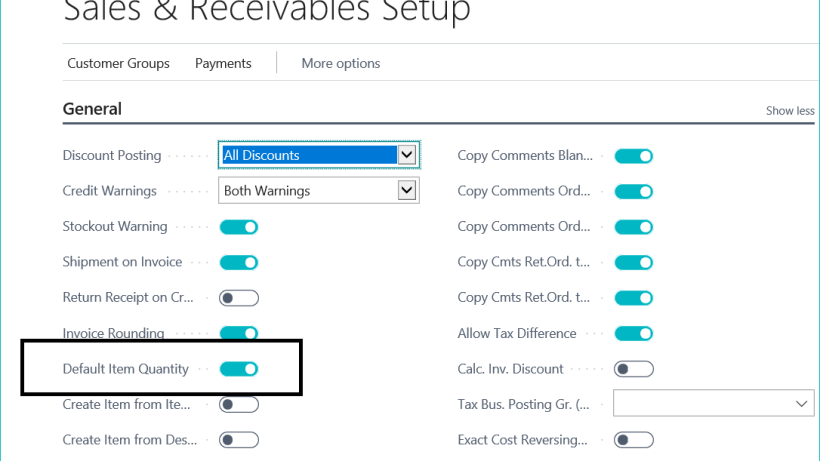
Add Multiple Items at Once to a Sales or Purchase Document in Dynamics 365 Business Central

In the latest release of Microsoft Dynamics 365 Business Central, a new feature was added to be able to select multiple items at once to add to a sales or purchase document. This eliminates the need to add items one-by-one and speeds up the process. Here’s How First, I like

by Juliet Constantino
Read More
Webinar Graphic 2018 600px e1717084168504
Dynamics Business Central

Webinar: Tips & Tricks for Dynamics 365 Business Central

Wednesday, November 20th, 2019 10:00 AM - 11:00 AM (CST) Register Here!   A brand new session topic - requested by you! Microsoft Dynamics 365 Business Central is still fairly new to the ERP scene, but our expert team has been perfecting our craft. We are excited to present our

by Kayla
Read More
Cloud backup and restore600
Cloud Hosting

Are You Sure that You’re Really in the Cloud? A Gray Market Cloud Horror Story

You are a savvy business owner; your business processes and ERP are backed up in the cloud. You’ve seen the statistics, heard the horror stories, and you’ve made the necessary steps to feel secure. But what does “in the cloud” really mean? How secure is your data really? Gray Market

by Ben
Read More
Webinar Graphic 2018 600px e1717084168504
Acumatica Cloud ERP

Webinar: How to Help Your Business Grow by Adopting a Modern Workplace

Thursday, December 19th, 2019 1:00 PM - 1:30 PM (CST) Register Here!   Is your business a modern workplace?  Are you committed to growth by breaking old work patterns and implementing a flexible and dynamic workplace culture? Learn more about these evolving goals and the different technologies required to stay connected and productive.

by Kayla
Read More
3Methods 1
Dynamics Business Central

Three Different Methods to Post a Purchase Invoice to a Vendor Account in Dynamics 365 Business Central

Microsoft Dynamics 365 Business Central is still the new kid on the block, but is rapidly making waves. As more and more of our clients make the leap to this versatile and robust system, we have decided to publish a series of blogs on how to use Dynamics 365 Business

by Juliet Constantino
Read More
EFT Files 1
Dynamics Business Central

How to setup EFT for payables and generate the ACH file using Dynamics 365 Business Central

Both payees and accounting professionals love electronic funds transfer (EFT), and for good reason. It drastically reduces the time required to process payments, eliminates paper, and helps avoid fraud. There are three windows that must first be set up properly to be able to use the EFT/ACH feature in Microsoft

by Juliet Constantino
Read More
Sales tax for dummies LP Banner JPG
Dynamics Business Central

Webinar: Sales Tax for Dummies – Hosted by Avalara

Tuesday, September 24, 2019 at 11 AM PST/2 PM EST Register Here!   If the mere mention of these terms leaves you feeling confused and overwhelmed, you’re not alone. Even though most U.S. businesses are required to collect and remit sales tax, few actually understand all the rules or how

by Kayla
Read More
D365PaidFaster1
Dynamics Business Central

Get Paid Faster by Creating the Best Invoice Possible in Dynamics 365 Business Central

You probably already know that you can email invoices directly from Microsoft Dynamics 365 Business Central with its seamless integration with Outlook. But the integrations don’t stop there. Did you know that you can take it a step further by accepting electronic payments using Microsoft Pay or PayPal? Do you

by Kayla
Read More
D365Define 1
Dynamics Business Central

How to define a CSV file to import bank statement information in Dynamics 365

Microsoft Dynamics 365 Business Central allows you to easily reconcile your bank accounts by importing transactions from your bank.  In order to match the transactions,  you need to have the proper format for Dynamics 365. Here’s how: The file format just needs to be defined and assigned to the bank

by Juliet Constantino
Read More
Bank Account Reconciliation1
Dynamics Business Central

Dynamics 365 Business Central:  How to Complete a Simple Bank Reconciliation

Microsoft Dynamics 365 Business Central offers automatic methods to reconcile your bank statement; such as importing a file with your bank statement information. However, I often find clients need to reconcile things manually in their system. In this blog, I am going to review the manual method for bank account

by Juliet Constantino
Read More
A Shield CompanyBack to top