MS D365 BC Training 800
Dynamics Business Central

Video How-To: Budgets in Dynamics 365 Business Central

Did you know? When you create a budget within Dynamics 365 Business Central, you can export it to Excel and have full access to all the great spreadsheet editing capabilities. This will allow you to quickly fill out all line items in the budget, and then simply import the budget
by Kayla
Read More
1 1 1
Dynamics Business Central

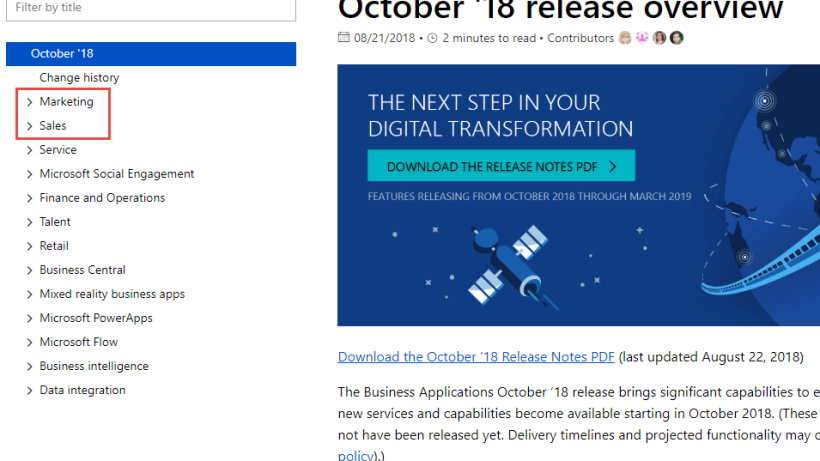
What’s in the October 2018 Dynamics 365 Update?

If you are looking to power your digital transformation, look no further. Microsoft has published the release notes for the next big Dynamics 365 update in October 2018.  There are so many new features and enhancements, I almost don't know where to start. If you are looking for something specific, here is

by Kayla
Read More
Field1a
Dynamics Business Central

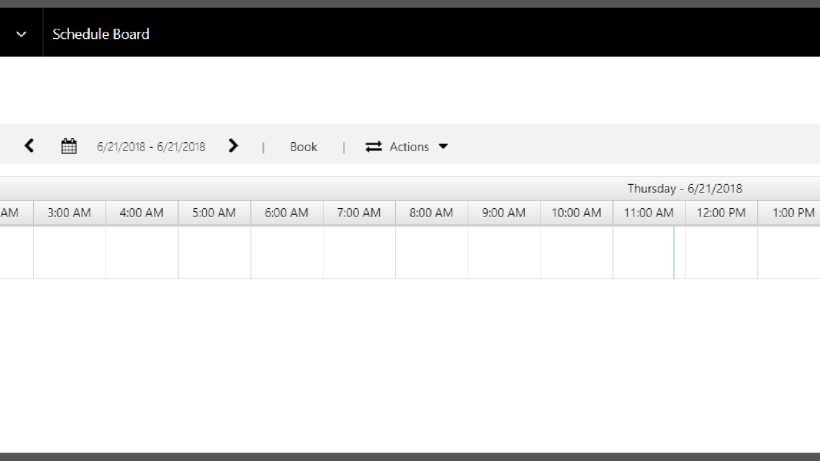
Field Service Schedule Board: Personal Views and Security (Dynamics 365 for Sales)

The Field Service Schedule Board in Dynamics 365 for Sales (CRM) provides an easy-to-see look at resource availability, current bookings, available time slots, and more. When setting up the Schedule Board, you can (and should) configure your preferences for sharing with others in your organization. Within the Schedule Board, when

by Kayla
Read More
Attach1
Dynamics Business Central

Attachments Taking Up Too Much Space in Dynamics 365 for Sales

Are your attachments eating up too much space in your Microsoft Dynamics 365 for Sales (CRM) system? It’s something I run into about 95% of the time with my Dynamics clients. Most organizations, when they first sign up for Dynamics 365 online, are given 5GB of space, depending on the

by Jamie
Read More
O1
Dynamics Business Central

Integrating OneNote with Dynamics 365 for Sales

Did you know that you could integrate OneNote with your Dynamics 365 environment? This will allow you to easily access a OneNote notebook directly from the 365 dashboard, adding additional functionality that the Customer Notes feature in 365 doesn’t support. You can easily share customer notes, and add images and

by Kayla
Read More
MS D365 BC Training 800
Dynamics Business Central

Quickly Create a Detailed Financial Statement Report in Microsoft Dynamics 365 Business Central

When printing income statement reports from Microsoft Dynamics 365 Business Central, the standard report is clear, but doesn't provide details for every G/L account within the account categories that were assigned when setting up. This video shows how to quickly and easily create a custom view that allows you to

by Juliet Constantino
Read More
MS D365 BC Training 800
Dynamics Business Central

How To Create a Job in Microsoft Dynamics 365 Business Central


by Juliet Constantino
Read More
lady and laptop
Dynamics Business Central

Dynamics 365 (CRM) Features on the Chopping Block

There’s a lot of change happening with Dynamics 365 for Sales (CRM).  Make sure you’re kept up to date with what’s leaving and what’s coming.  Here are the highlights of what’s important to our clients. Deprecated features concerning end-users: Contracts, Contract Line Items, and Contract Templates Standard SLAs Mail Merge

by Kayla
Read More
Relationship pic1
Dynamics Business Central

Dynamics 365 for Sales (CRM) Relationship Assistant

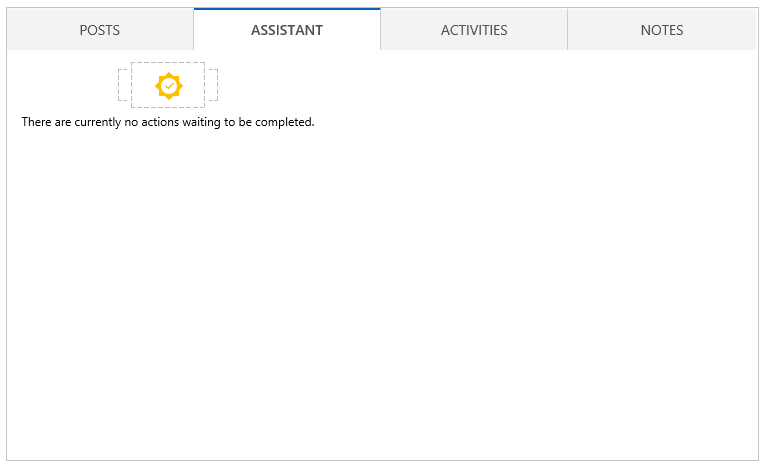
One of the new features embedded into the social pane throughout Dynamics 365 for Sales (CRM) v9.0 is a tab called, Assistant. The Assistant makes your life easier. How? It tracks daily actions and communications for the contact or record you are on, and the system will generate an, “action

by Kayla
Read More
Case Entity
Dynamics Business Central

Microsoft Dynamics 365 (CRM) Case Entity

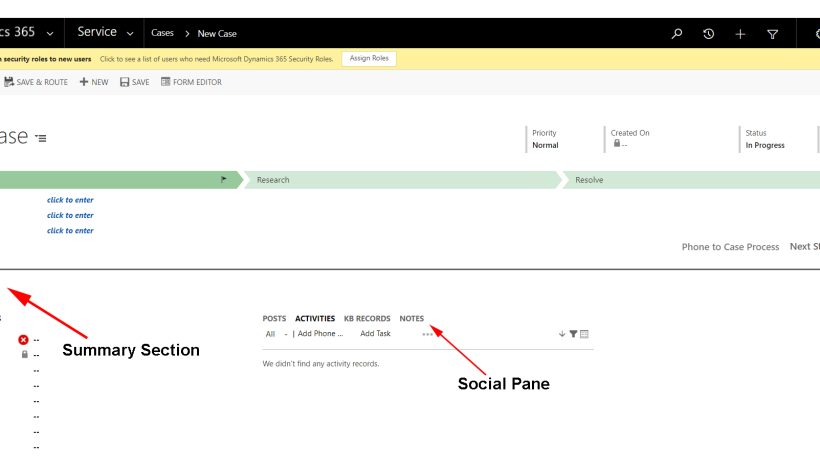
Cases in Dynamics 365 / CRM are commonly referred to as tickets or incidents.  These cases provide a way to track incidents or issues that may arise from your customers, whether they are external or internal.  Cases are a full cycle entity, meaning they are used to track the process

by Kayla
Read More
AdvancedFind365 pic2 2
Dynamics Business Central

Microsoft Dynamics – Using Advanced Find

Advanced find is a powerful tool within your Dynamics 365 (CRM) system.  Knowing how to use it will help you to find lists of data with specific criteria, edit that data, export, review, and so much more.  You might want to print out this handy cheat-sheet and keep it on

by Kayla
Read More
PowerBIData1
Dynamics Business Central

Updating Your On-Premises Data to Power BI – Using Gateways

If you have an on premise database you may be curious as to how your data updates in real-time in your Power BI dashboards and reports. Instead of moving your data or constantly refreshing it, data is updated with a Power BI feature called a gateway. Types of Gateways and

by Kayla
Read More
Webinar Graphic 2018 V2
Dynamics Business Central

Webinar: Tips & Tricks for Finding Data in Dynamics 365 for Sales (CRM)

Tuesday, March 13, 2018 11:00 AM - Noon (CST) Register Here!   Join Crestwood for this new webinar and learn how you can save time when using Dynamics 365 for Sales. We will teach you tips and tricks for finding the data you need in Dynamics 365. We will look

by Kayla
Read More
CRMuse1
Dynamics Business Central

How to Get People to “Really” Use Dynamics 365 for Sales (CRM)

User adoption of any new system can be painful – and that’s true for Dynamics CRM too, now called Dynamics 365.  However, with Learning Paths, Microsoft has taken what was once a clunky, disjointed experience and make it slap-you-in-the-face simple. What is it? Microsoft Dynamics Learning Paths - context-sensitive, role-specific

by Kayla
Read More
Webinar Graphic 2018 V2
Dynamics Business Central

WEBINAR: Act-On + Dynamics = Better Together Marketing Automation

Thursday, Feb. 15, 2018 11:00 AM - Noon (CST) Register Here Join us for a free demo of Act-On Marketing Automation software for Dynamics.  Their solution is fully functional and you can't beat the price! What You Can Do with Act-On: Craft trackable Act-On emails for salespeople to send from Dynamics,

by Kayla
Read More
OutlookSecurity1aaa
Dynamics Business Central

Dynamics 365 CRM & Outlook Error after Installing October 2017 Microsoft Outlook Security Update

Recently, we experienced an issue at Crestwood where a standard update broke our CRM Outlook integration. When employees learned how to update Outlook with the latest security patches, it inadvertently disabled the Microsoft Dynamics 365 CRM Outlook Client. Problem: After installing the recent Outlook Security Update, when you attempt to

by Kayla
Read More
MultiFaceted1
Dynamics Business Central

Multi-faceted Security – Dynamics 365 | Security Series

Dynamics 365 has some great tools to allow organizations to own and define their security levels. It all starts with business units - business units are the foundation of D365’s security structure. Out of the box, your organization has a root business unit and from here, you can add more business

by Kayla
Read More
Dynamics 365 search 1
Dynamics Business Central

Better Searching in Dynamics 365 (CRM)

Searching just got a whole lot better!  Microsoft has improved searching for all.  Search the way you want. Here’s a closer look at the different ways to search. Quick Search Categorized Search Relevance Search Quick Search Quick search is that little box in the upper right corner of all the grids. 

by Kayla
Read More
EditGrids1
Dynamics Business Central

Editable Grids in Dynamics CRM / 365 for Sales

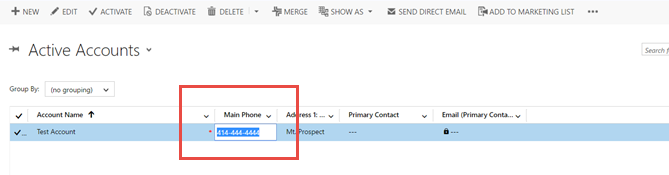
There’s a new Dynamics 365 feature, editable grids, which allows you to edit records from views or through a sub-grid. It’s great! No more “read only” grids in CRM. This new feature can enhance productivity by reducing clicks and navigation time. Just simply go into your view, and click in

by Kayla
Read More
Keyboard Short Cuts
Dynamics Business Central

Time Saving Keyboard Shortcuts

*Updated January 28, 2026* Why do people use keyboard shortcuts?  I used to teach beginner computer classes and one thing that always confused people is the multiple ways of doing the same thing.  I always had a hard time answering that question, but over the years, I've found myself using

by Kayla
Read More
Recommendations1
Dynamics Business Central

Business Rules Recommendations in Dynamics 365 / CRM

There’s a great new feature added into the new designer for business rules in Dynamics CRM 2016 version 8.2 and Dynamics 365.  It’s called recommendations. What are recommendations? Recommendations allow you to provide a recommendation to users on how to fill out a field. You can set certain criteria around

by Kayla
Read More
NewBusiness1
Dynamics Business Central

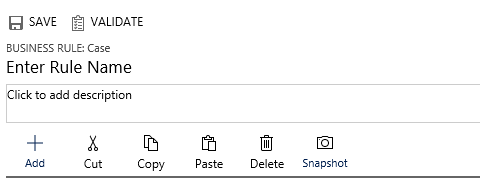
Dynamics CRM New Visual Designer for Business Rules

This made my week!  I’m a visual person and creating business rules in Dynamics CRM 2016 version 8.2 and Dynamics 365 has just become my new favorite thing.  I used to dread doing this, but with the new improved business rules interface, it’s fundamentally the same thing, but now with

by Kayla
Read More
Graphic1
Dynamics Business Central

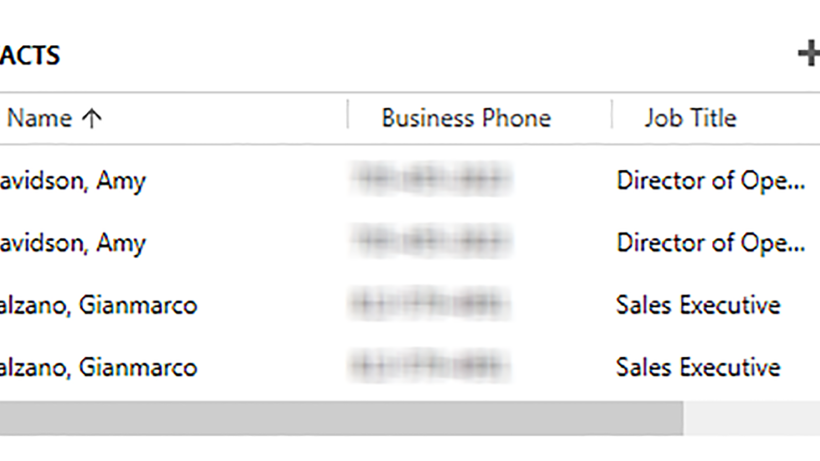
Remove Duplicate Contacts in Dynamics CRM – Merge Feature

If you have duplicate contacts in CRM – you can merge them together into 1 contact, without losing any of the data associated with either of them.  All notes, activities, and information attached to either, can now be consolidated into just 1 contact. For example, maybe the 2 duplicate contacts

by Kayla
Read More
EmailSig pic1
Dynamics Business Central

Setting up a Custom Email Signature in Dynamics CRM 2016

We’ve been waiting for this feature.  It’s a customer request.  Microsoft finally added a way to set up your own custom email signature in the newest version of Dynamics CRM.  Yeah! Here’s step-by-step instructions: Navigate to the Options area under settings This will open up your Personal Options.  Once here,

by Kayla
Read More
A Shield CompanyBack to top