DebitCreditOrder1
Dynamics GP

Change Your Debit/Credit SmartList Default Display Order in Dynamics GP

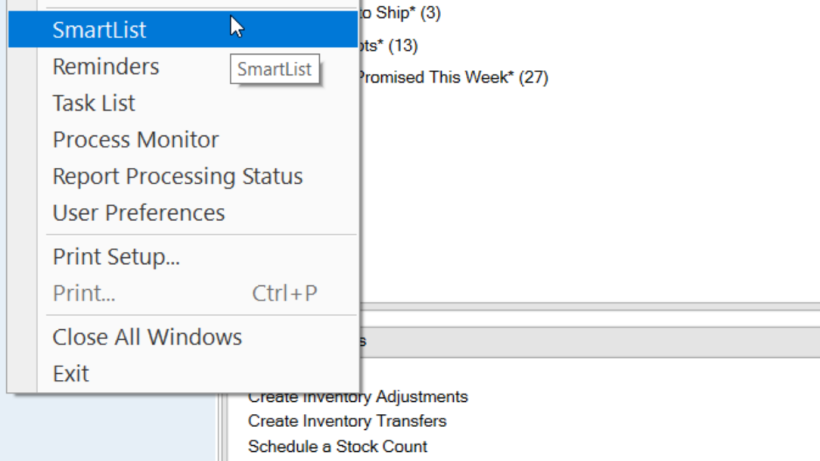
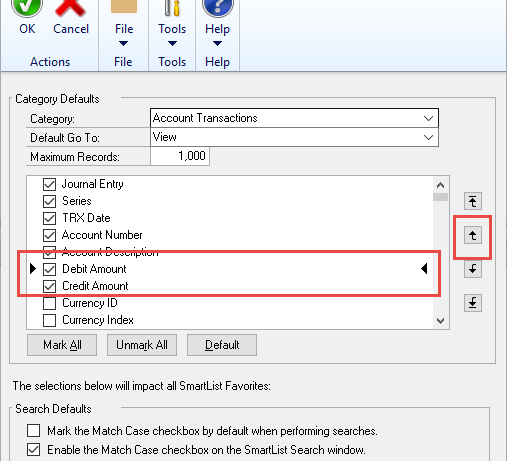
One of my personal frustrations when I started working with SmartLists in Microsoft Dynamics GP, was the fact that on every report using debits and credits, they were ‘backwards’ from how I was used to seeing them. In my mind, debits always came first and credits were always after. Many
by Kayla
Read More
Dynamics GP

Disappearing Quick Links in Microsoft Dynamics GP

Have you ever logged into Microsoft Dynamics GP and noticed you were missing your Quick Links on the Homepage? Maybe you even tried to add them back in, only to discover that the items you added did not ‘stick’. If this describes your situation, I have the solution! Here’s the

by Kayla
Read More
Dynamics GP

Save Time Exporting Dynamics GP SmartLists to Excel: How-to Create an Export Solution

Many of our clients like to export their Microsoft Dynamics GP SmartLists to Excel.  Why?  In Excel, you can easily add things like: Summary Totals Pivot Tables Charts And more However, it can become a tedious and time-consuming process if you export many SmartLists. How to Automate your exports Wouldn’t

by Dan Milani
Read More
NewGPBudgetID1
Dynamics GP

How to Get a New Dynamics GP Budget ID to Show Up in Management Reporter MR

It’s very common for our customers to add new budgets to Microsoft Dynamics GP.  With the Legacy Provider in Management Reporter (MR), the new Budget ID would show in the Column Definition “Book Code/Attribute Category” field automatically.  With the MR Data Mart, there are a couple of steps below that

by Lori
Read More
eConnError
Dynamics GP

eConnect & Dynamics GP Error

There is no MTS object context (Exception from HRESULT: XXXXXXX) We have a client using eConnect to integrate truck and transportation related billing data into Dynamics GP 2013. When they added a version of eConnect to a second machine to run the integrations, they ran into some issues. After setting

by Dan Milani
Read More
Growth buttonsmall
Dynamics GP

Oh My, How You Have Grown! Excessive File Size Growth in Management Reporter (MR) Database

Has your MR database gotten so big it’s out of hand? I recently encountered issues relating to the excessively large size of Management Reporter (MR). So, I wanted to remind everyone of the importance of maintenance of your MR system, and associated data sets. Here are my recommendations for MR

by Dan Milani
Read More
LockoutUsers1
Dynamics GP

Lock Users Out During File Maintenance in Dynamics GP

There are many instances when you need to prevent users from logging into Microsoft Dynamics GP. For example, File maintenance Year-end close No problem. Dynamics GP comes with a tool to take your company offline, which prevents users from logging in. Here’s how: Log into Dynamics GP as 'sa' Navigate

by Dan Milani
Read More
GPbudget1
Dynamics GP

Creating a Dynamics GP Budget Excel Template

Many businesses use Excel templates to create their annual budgets.  By creating a budget template in Excel, you’ll save yourself time.  Just populate the monthly data by the general ledger account, and then after uploading the budget into Dynamics GP, you can include these budget numbers on your Management Reporter

by Mike Gordon
Read More
GPErrorClose1
Dynamics GP

Dynamics GP Errors Couldn’t Close Table and Other Connection Issues

Have you ever worked in Dynamics GP and encountered the “FP: Couldn’t Close Table!” or “Open Operations on File” errors when trying to close out of Dynamics GP? Why might this happen? The reason why these errors occur is usually that something is “interrupting” a process assigned to your machine

by Dan Milani
Read More
SmartList Menu
Dynamics GP

Learn the Basics of Dynamics GP SmartLists

The SmartList feature in Microsoft Dynamics GP is everyone’s favorite feature.  It makes compiling useful data easy for everyone.  To help you get started, download our PDF guide  for step-by-step directions on these basic must-knows: Where are SmartLists Rename a column Increase the Number of Search Results Refine Search Results

by Kayla
Read More
ClosedYear1
Dynamics GP

How to Fix a Closed Year with an Incorrect Posting Type in Microsoft Dynamics GP

It happens to everyone.  You close your fiscal year in Microsoft Dynamics GP and then, when going through your year-end reporting, you discover that one or more General Ledger accounts were closed with an incorrect Posting Type*.  That means your Retained Earnings either are over or under stated. Fortunately, beginning

by Kayla
Read More
PaidSales1
Dynamics GP

Paid Transaction Removal for Dynamics GP Receivables

The paid transaction removal tool is used to transfer paid sales transactions to history. It is also used to consolidate balance forward accounts. It consolidates the balance forward transaction amounts and adds the total to the noncurrent aging period. Paid transaction removal will speed up receivables processes, inquiries and windows

by Mike Gordon
Read More
Error2
Dynamics GP

Dynamics GP Network or Profile Errors, but Not – Mystery Solved!

This is a good one for all you Microsoft Dynamics GP administrators!  We have gotten some calls about network or anti-virus type errors in Dynamics GP, but the normal fixes just don’t work. The Errors: Here are the Dynamics GP errors we encountered: FP: Couldn’t close table! An open operation

by Brandon
Read More
ProcessCC1
Dynamics GP

Dynamics GP: Processing a Credit When Using a Credit Card to Pay Vendors

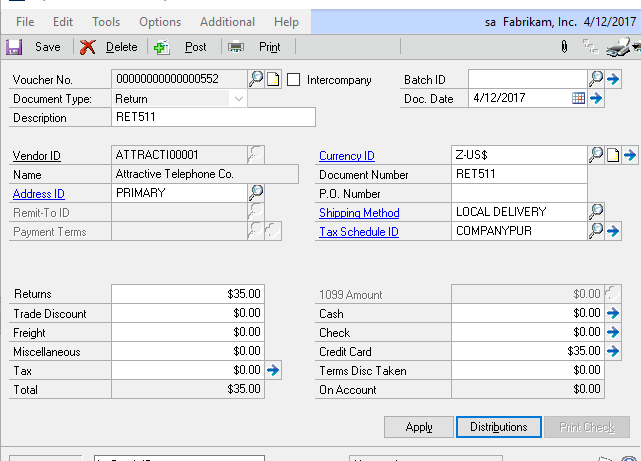
Here’s how to process a credit when using a credit card to pay vendors in Microsoft Dynamics GP. Let’s say you have entered an invoice in a vendor’s account and entered the amount in the credit card field. This will move the document to history in the vendor and create

by Mike Gordon
Read More
Untitled 1
Dynamics GP

Dynamics GP: Using SQL to Change Inventory Currency Decimal Places

A customer recently had an issue with the number of decimal places for the price of an item on an open Sales Order.  The item was incorrectly setup with 2 decimal places when it needed to be four.  Note your Item Number and your Order Number.  Is there a way

by Mike Gordon
Read More
SmartList1nes
Dynamics GP

Microsoft Dynamics GP SmartList Window Not Showing or Blank

Recently, a client of mine had an issue where the Dynamics GP SmartList Window would not open or when it did, it was blank. I found that this is a known issue, as the window settings in the DYNAMICS SY01402 table can become corrupt and cause the window to hide

by Mike Gordon
Read More
GPParticalPay1
Dynamics GP

Dynamics GP – How to Pay a Partial Payment

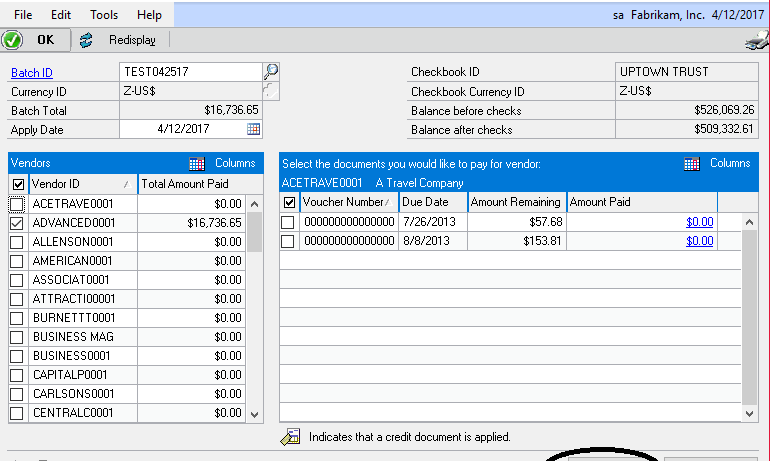
Using Select Checks and Edit Check Batch I recently helped a client print partial checks in Microsoft Dynamics GP.  They needed to pay an invoice in multiple payments.  I’ve also run into this when someone needs to create a payment for a deposit, but had not yet received the invoice.

by Mike Gordon
Read More
GpManufacturing1
Dynamics GP

Microsoft Dynamics GP: Changing Currency Decimal Place for an Inventory Item with Manufacturing

There are times you might need to change the number of decimal places for inventory items in Microsoft Dynamics GP Manufacturing.  For example: Items might have been set up incorrectly You might have started purchasing a product from a different supplier, or international supplier and with the currency exchange rates,

by Dan Milani
Read More
ChangeInventorypic1
Dynamics GP

How to Change an Inventory Site in Dynamics GP

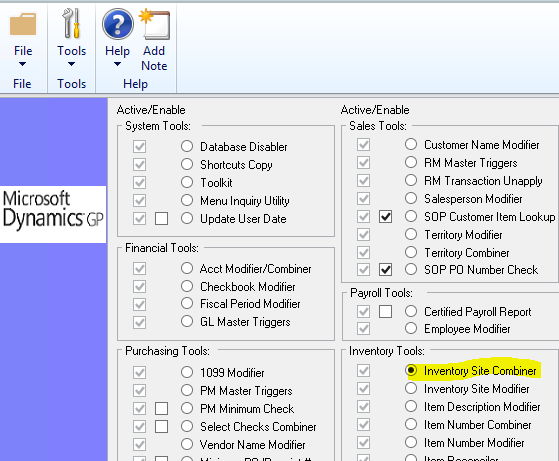
Included in Microsoft Dynamics GP is the Professional Services Toolkit Library (PSTL).  This adds a lot of powerful functionality to help you solve common business problems. One of the tools is the Inventory Site Combiner.  It allows you to combine site/location codes without losing any data.  Let’s say you created

by Brandon
Read More
MR logo
Dynamics GP

Adding a Logo to a Management Reporter Report

Using logos on your Management Reporter (MR) reports can make your reports look more formal and professional.  Luckily, it’s super easy to do! Save a copy of your company’s logo anywhere on your local computer or network.  It must be in the format of a “jpg,” “bmp,” or “png” file.

by Lori
Read More
GPWebServ pic1
Dynamics GP

Dynamics GP Web Services Not Working

Recently, we received a call from a client that their Microsoft Dynamics GP web services stopped working.  Additionally, they weren’t able to get into the Dynamics Security console either. The Problem: When clicking “Select Applications” the message would appear in the lower left corner “Action: In progress…” and nothing further

by Brandon
Read More
GPRegKeys1
Dynamics GP

Entering Microsoft Dynamics GP Registration Keys

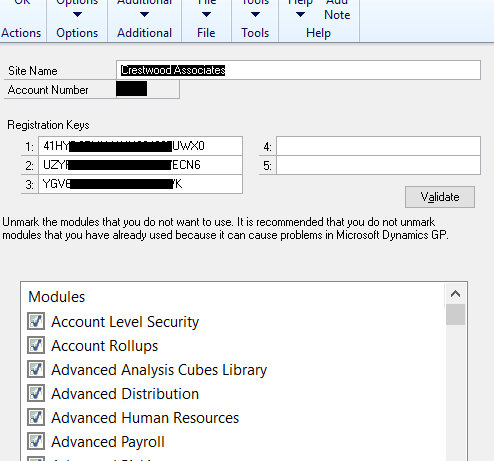
Entering your Microsoft Dynamics GP registration keys is an easy task to accomplish, as long as you know where to go and what to do.  Sometimes your Dynamics GP Registration Keys may need updating.  For example, because you have increased your number of licensed users. Here’s how to update your

by Kayla
Read More
Kinderspielendaheim
Dynamics GP

Dexterity Developer Tip of the Day

Which dictionary do I use if I have multiple versions of Microsoft Dynamics GP? If you are a Dexterity developer with many alternate Dynamics GP forms in your development dictionary, e.g., your development dictionary is Dynamics GP2013 RTM and the Dynamics GP client application dictionary is GP2013 SP1, which dictionary

by Brandon
Read More
download button blue 300x133 1
Dynamics GP

Increasing the Account Number Length

Every year, our support team comes across this question: How do I change the Account Number Length in Microsoft Dynamics GP? It might be that your chart of accounts no longer fits your company's reporting objectives or suites your needs.  Whatever the reason, here's a handy step-by-step guide on how

by Dan Milani
Read More
A Shield CompanyBack to top