PO1 1
Dynamics GP

Dynamics GP Purchase Order Received But No Invoice

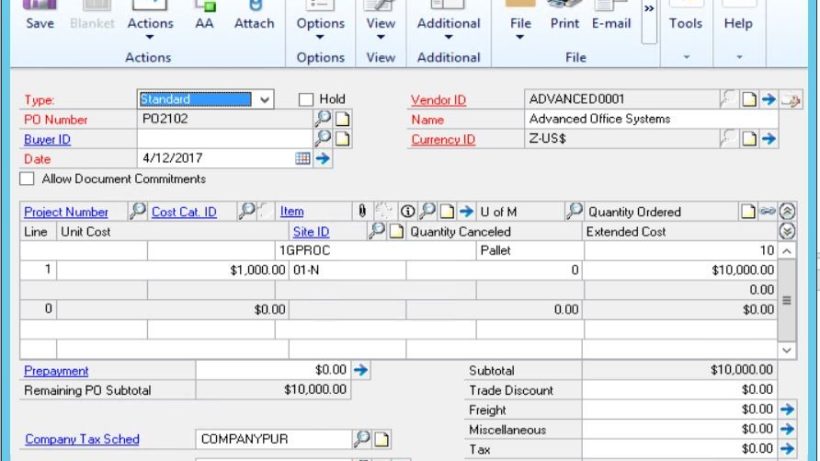
Have you ever encountered a Purchase Order in Microsoft Dynamics GP that was still open but should be closed?  I had a customer run into this problem recently.  Here’s what I did to fix it. First, I reviewed the Purchase Order process the client used.  We entered a PO like
by Mike Gordon
Read More
Scribe1 1
ERP Add-ons

Scribe Integrations: Why Have My Queue-Based Scribe Integrations Stopped?

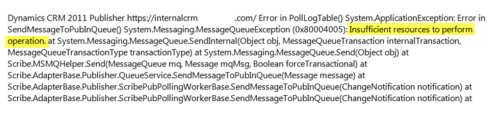
I recently got a call from a client and their Scribe integrations had stopped working. This can be very frustrating and hinder your business’s performance. Why would this happen, and how do you fix it? There’s lots of ways to go about finding the problem and fixing it, but here’s

by Mike Gordon
Read More
Scribe dead message queue
ERP Add-ons

Why Have My Queue-Based Scribe Integrations Stopped?

I recently got a call from a client and their Scribe integrations had stopped working. This can be very frustrating and hinder your business’s performance. Why would this happen, and how do you fix it? There’s lots of ways to go about finding the problem and fixing it, but here’s

by Mike Gordon
Read More
Security
Dynamics GP

What Security Reports Should I Use for Auditors for Dynamics GP?

We often receive calls from our clients when auditors want to review security. Microsoft Dynamics GP offers several security reports you can run for audits. How to print the Dynamics GP security reports Go to Reports>System>Security. In this window, you’ll see the list of available reports. The most common reports

by Mike Gordon
Read More
PO1
Dynamics GP

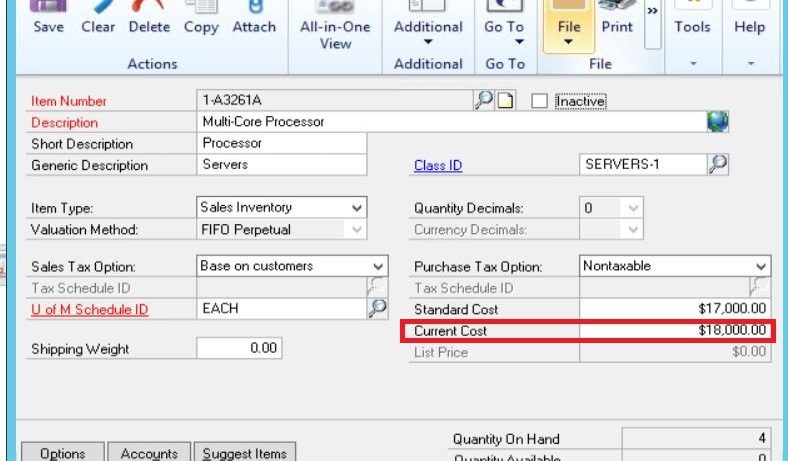
Dynamics GP: New Item Cost Not Showing on Purchase Order  

I recently helped a customer solve an issue with their Purchase Order (PO) in Microsoft Dynamics GP.  They had changed the cost on an inventory item, but the new item cost was not showing up on the PO.  Why is this?  Here’s what happened First, my customer had changed the

by Mike Gordon
Read More
PagliaCleaning1
Dynamics GP

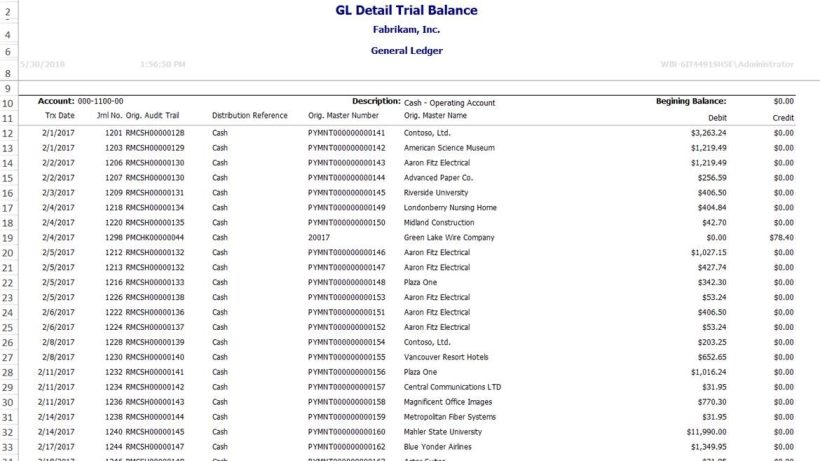
Use SSRS to Save Time Getting Dynamics GP Reports for Your Audits

Most people export a .csv file of their Trial Balance Detail report right from Microsoft Dynamics GP for their audit team.  However, you usually end up spending more time than you would like cleaning it up, re-formatting, and manipulating it first.  Sound familiar? Here’s an easy solution: Export using SSRS Instead

by Mike Gordon
Read More
GPGixedAssets1
Dynamics GP

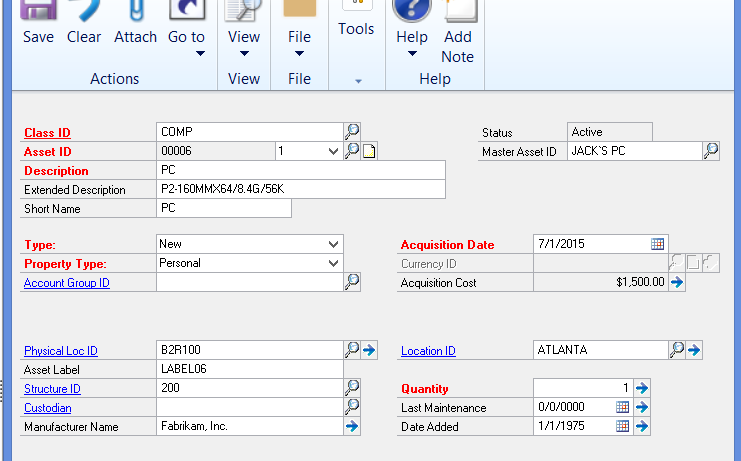
You Should be Using Fixed Assets in Dynamics GP

Are you using the Dynamics GP Fixed Asset module?  You should be.  You own it as part of the Starter Pack (if you are on GP 2013 or later).  The Dynamics GP Fixed Asset module can do everything you need for your depreciable and non-depreciable assets. Here are 9 reasons

by Mike Gordon
Read More
SL Void Check1
Dynamics SL

Microsoft Dynamics SL Void Check Issue

Many of our Dynamics SL clients have had an issue when trying to void a check and receive the following error:  Check status is not outstanding, please reenter.   The Fix: In most cases, we found this problem is caused by a previous attempt to void the check and the

by Mike Gordon
Read More
GPWorkflow1
Dynamics GP

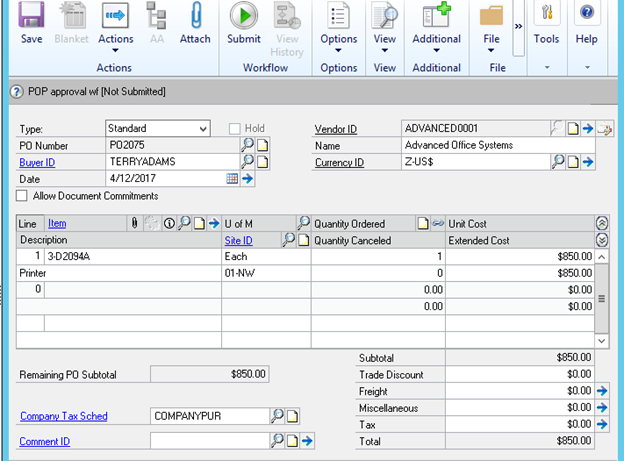
Using a Dynamics GP Purchasing Workflow

Organizations are finding lots of value out of implementing workflows in their Dynamics GP systems.  Recently, we helped a business set up one to put controls around their purchasing processes.  You could use this for purchasing office supplies, raw materials, or items to support your distribution business. Additionally, it will

by Mike Gordon
Read More
GPMissingSetup 1
Dynamics GP

Dynamics GP:  Missing Setup on Inventory Item Causes Purchasing Issues

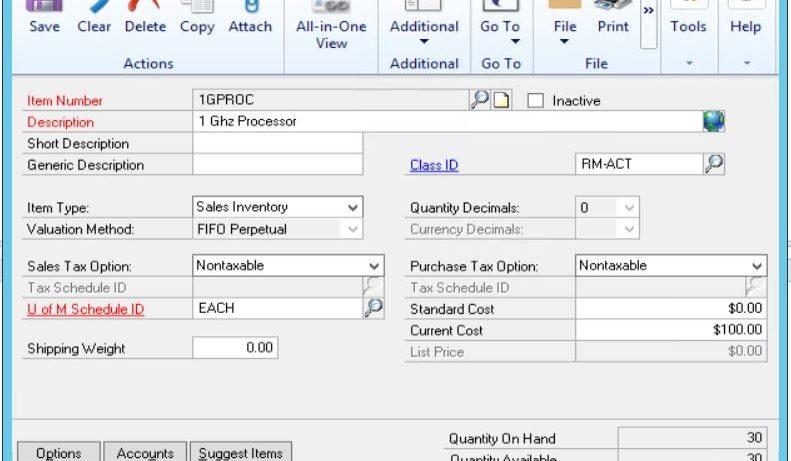
Problem & Fix I recently encountered an issue with a Microsoft Dynamics GP Purchase Order not being allowed for a specific item.  When I looked closer, I found the Inventory Item was missing setup information, which was causing the problem. Here is the Item Maintenance Card:    In the Dynamics

by Mike Gordon
Read More
MR New User1
Dynamics GP

How to Add a New User in Management Reporter

Recently, we have received a handful of calls on how to add a new user to Management Reporter (MR).  So, I thought this would be a good time to revisit the process. First, you must be an MR administrator to add users. Also, the user you are adding must have

by Mike Gordon
Read More
POGPpic1
Dynamics GP

How To:  Purchase Order Prepayments in Dynamics GP 2016

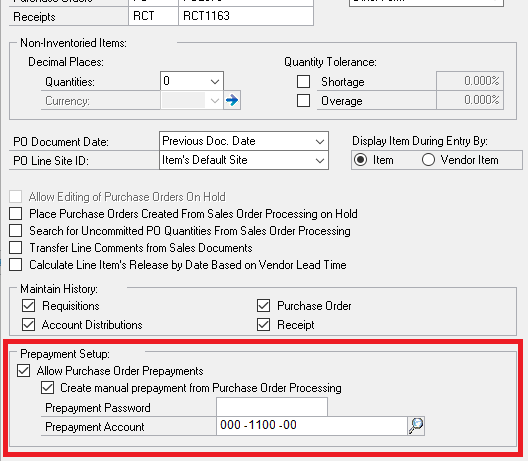
Microsoft Dynamics GP 2016 enhanced the procedure to place prepayments on purchase orders making it easier when requiring an upfront payment from customers. Setup First, you must setup prepayments in the purchase order processing window.  Go to: Tools>Setup>Purchasing>Purchase Order Processing. Click to Allow Purchase Order Prepayments and Create manual prepayment

by Mike Gordon
Read More
GPGadget 1
Dynamics GP

Dynamics GP Home Page Connect Gadget is Retired by Microsoft

Microsoft has retired the Connect gadget on the Dynamics GP home page. Microsoft used this gadget to communicate Dynamics GP community news and information to users. Now that it has been retired, you might see the following error on your home page if your Connect gadget is still in place.

by Mike Gordon
Read More
admin ajax 1
Dynamics GP

Don’t Miss GPUG Amplify – March 20-21, 2018 | Chicago, IL

I’m excited and honored to be presenting “Explore Your GP Reporting Options” session at the upcoming GPUG Amplify conference in Chicago on March 20, 2018. I invite you to join hundreds of other leaders and learn more about Reporting, Functional, and Executive Leadership with Dynamics GP at its focus. Amplify

by Mike Gordon
Read More
GP2018NewFeature1
Dynamics GP

5 Exciting New Features in Microsoft Dynamics GP 2018

We have many Crestwood clients planning to upgrade to Dynamics GP 2018 in the first quarter of 2018.  You’ll want to consider upgrading too, especially if you are on Dynamics GP 2013 because mainstream support ends in April of 2018.  This means no more updates, including year-end and payroll. Here’s

by Mike Gordon
Read More
ErrorPayroll1
Dynamics GP

Dynamics GP:  Error during Payroll Year-end Update

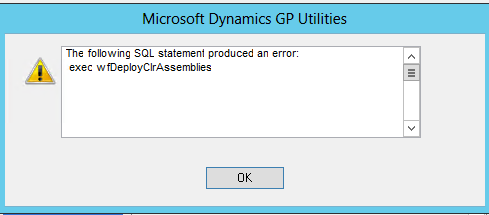
We have gotten a couple support calls about an error occurring while running the Dynamics GP utilities after installing the payroll year-end update. Error The following SQL statement produced an error:  exec w fDeployClrAssemblies [Microsoft][SQL Server Native Client 10.0][SQL Server]Assembly 'system.directoryservices, version=2.0.0.0, culture=neutral, publickeytoken=b03f5f7f11d50a3a.' was not found in the SQL

by Mike Gordon
Read More
DocAtt1
Dynamics GP

Microsoft Dynamics GP 2018 New Doc Attach Feature

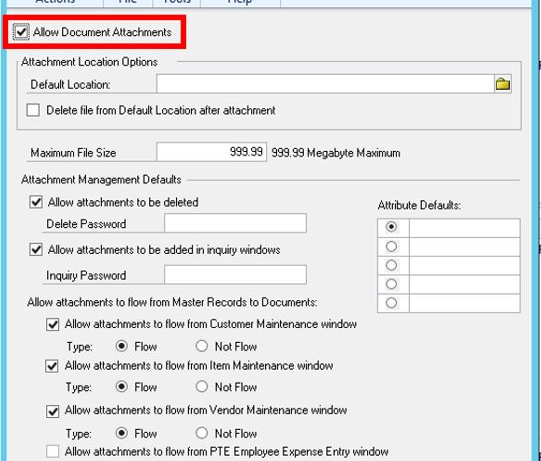
It’s here! Released December 1, 2017, Dynamics GP 2018 has finally arrived. There are many great new features available and here are the ones I’m most excited about. First, all the new Document Attach features. We’ve seen customers use this feature for years now, but in the new version, you

by Mike Gordon
Read More
MRvariancePic1
Dynamics GP

Variance Presentation in Management Reporter

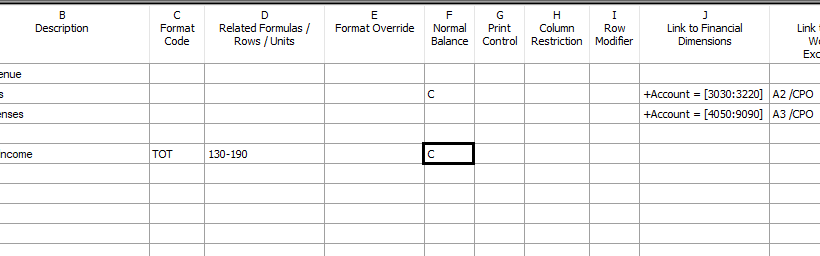
In your Management Reporter (MR) reports, have you experienced an issue where the favorable or unfavorable variance amounts between actuals and budgets in an income statement aren’t presented correctly?  A favorable sales variance may be incorrectly presented as a negative amount and the expense may be presented correctly or vice

by Mike Gordon
Read More
Cashmrg1
Dynamics SL

Dynamics SL: How to Adjust the GL without Effecting the Cash Manager Cash Account Balance

Many times, we get calls from clients where their Microsoft Dynamics SL Cash Manager Cash Account balance is correct but the General Ledger (GL) is off.  Here’s the simple way to fix the GL without effecting the Cash Manager cash account balance. Example: In our Dynamics SL example, the cash

by Mike Gordon
Read More
ReportDefin1
Dynamics GP

Management Reporter MR Report Definitions Missing

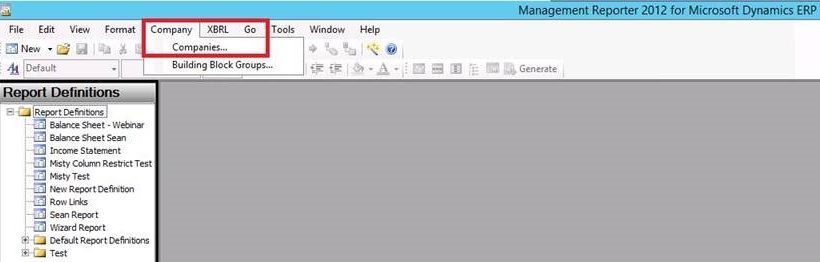
Have you recently performed a company import in your Dynamics system? Did your MR report definitions disappear? Don’t worry, here’s the fix.  Follow these steps to bring back your report definitions. Log in to Report Designer and click on Company in the menu ribbon and select companies. In this window,

by Mike Gordon
Read More
EmpMaint1
Dynamics SL

Dynamics SL – Employee Maintenance Comment Field

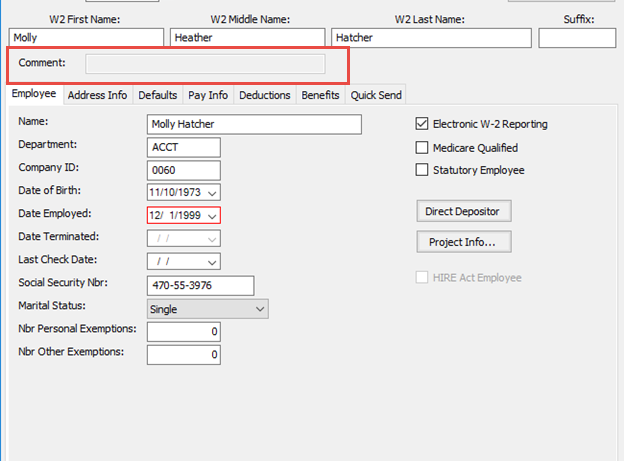
When you upgrade to Microsoft Dynamics SL 2015, you will notice a Comment field in the Employee Maintenance window. Why? This field is used for audit tracking purposes. It turns into a required field whenever the Pay Info and Deductions tabs are updated for an employee. Here’s an example I

by Mike Gordon
Read More
GPbudget1
Dynamics GP

Creating a Dynamics GP Budget Excel Template

Many businesses use Excel templates to create their annual budgets.  By creating a budget template in Excel, you’ll save yourself time.  Just populate the monthly data by the general ledger account, and then after uploading the budget into Dynamics GP, you can include these budget numbers on your Management Reporter

by Mike Gordon
Read More
PaidSales1
Dynamics GP

Paid Transaction Removal for Dynamics GP Receivables

The paid transaction removal tool is used to transfer paid sales transactions to history. It is also used to consolidate balance forward accounts. It consolidates the balance forward transaction amounts and adds the total to the noncurrent aging period. Paid transaction removal will speed up receivables processes, inquiries and windows

by Mike Gordon
Read More
ProcessCC1
Dynamics GP

Dynamics GP: Processing a Credit When Using a Credit Card to Pay Vendors

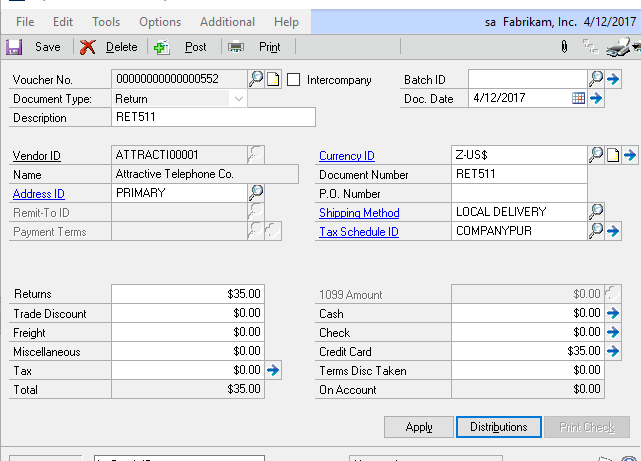
Here’s how to process a credit when using a credit card to pay vendors in Microsoft Dynamics GP. Let’s say you have entered an invoice in a vendor’s account and entered the amount in the credit card field. This will move the document to history in the vendor and create

by Mike Gordon
Read More