MRvariancePic1
Dynamics GP

Variance Presentation in Management Reporter

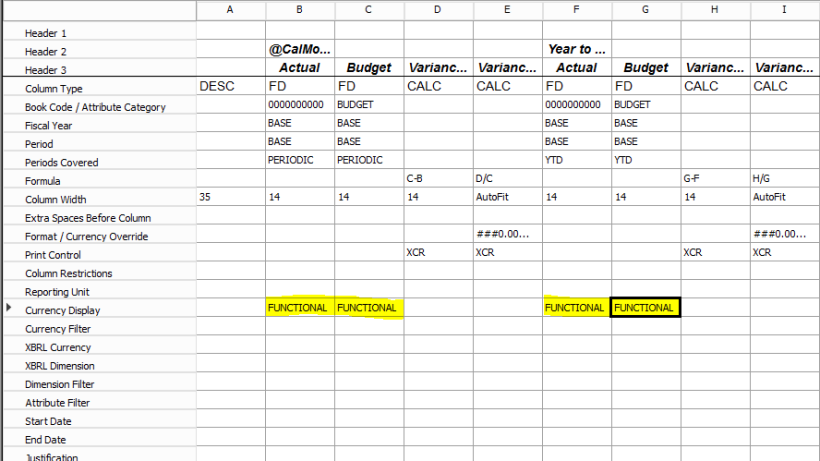
In your Management Reporter (MR) reports, have you experienced an issue where the favorable or unfavorable variance amounts between actuals and budgets in an income statement aren’t presented correctly?  A favorable sales variance may be incorrectly presented as a negative amount and the expense may be presented correctly or vice

by Mike Gordon
Read More
MRConfigure
Reporting

Management Reporter MR Configuration Console Stopped Working

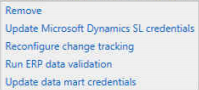
Problem: I ran into a unique issue today.  A client had reset their SA password, and after doing so, they could no longer login to Dynamics GP or SQL with the SA password.  The SQL SA account kept getting locked out. We determined this was being caused by the Management Reporter

by Brandon
Read More
ReportDefin1
Dynamics GP

Management Reporter MR Report Definitions Missing

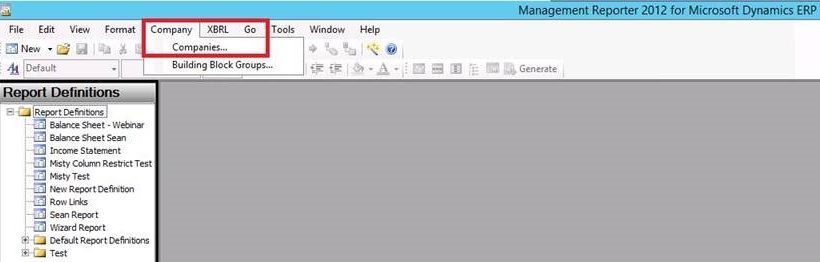
Have you recently performed a company import in your Dynamics system? Did your MR report definitions disappear? Don’t worry, here’s the fix.  Follow these steps to bring back your report definitions. Log in to Report Designer and click on Company in the menu ribbon and select companies. In this window,

by Mike Gordon
Read More
DimensionMR1
Dynamics GP

Dimension Not Found Error in Management Reporter MR

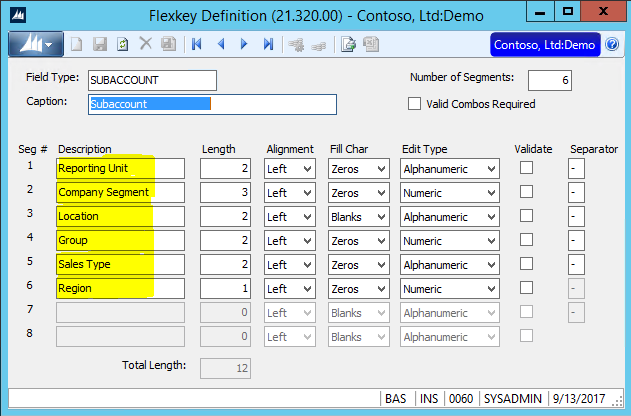
If you use Management Reporter (MR) with multiple companies, you might get an error while generating reports if your companies have different: Subaccount segment descriptions in Dynamics SL Account Formats Segment Names in Dynamics GP Unlike FRx, MR uses the account segment names in the Row and Tree Definition Financial

by Lori
Read More
MRHierarchies1
Dynamics GP

Understanding Security Hierarchies in Management Reporter MR

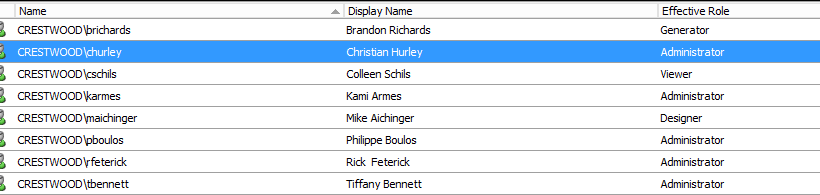
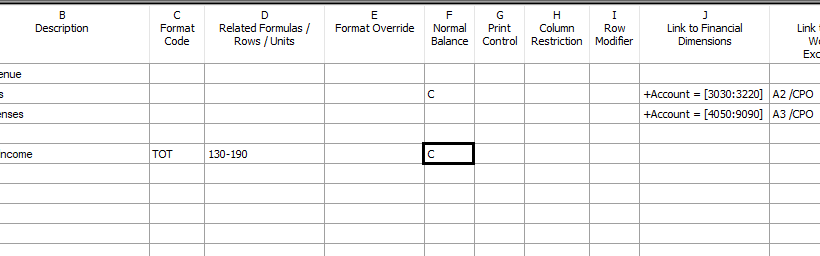
Management Reporter (MR) has many different levels of security, to restrict users to specific companies and reports.  Understanding how they work will make it easier for setting up users and distributing reports. User Security – To get started, set up users and assign them company access under the Security menu item

by Lori
Read More
11.1
Reporting

Divide by 0 Error in FRx

Have you ever gotten the “Divide by 0 Error” when you go to run a report in FRx Report Designer?  And to top if off, then the report does not print.  Other users can print FRx reports just fine, but for you, it happens on all reports.  This error appears

by Lori
Read More
12.1
Dynamics GP

Dynamics GP SSRS Report Deployment Problems

If you’re trying to deploy SQL Server Reporting Services Reports (SSRS) and it keeps failing, saying you don’t have permission, it might be because you have SQL Express. Dynamics GP Error Message:  You do not have security access to the location where you want the reports to be deployed  Report

by Brandon
Read More
MissingMR1
Dynamics GP

Missing Management Reporter MR Report Options

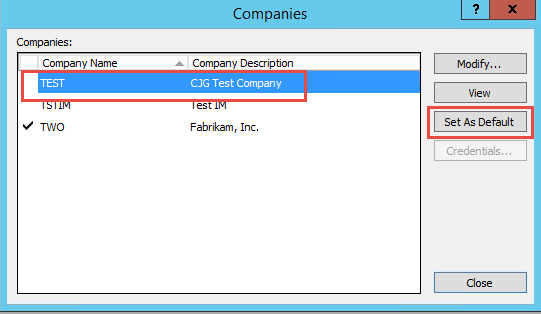
Setting Your Default Company in Management Reporter (MR) The first time you login into Management Reporter Designer as a new user, or the first time you login after an upgrade, you may notice that you are missing all of your report options on the left hand side. You might find

by Kayla
Read More
MRHeaders1
Dynamics GP

Management Reporter Headers in Excel

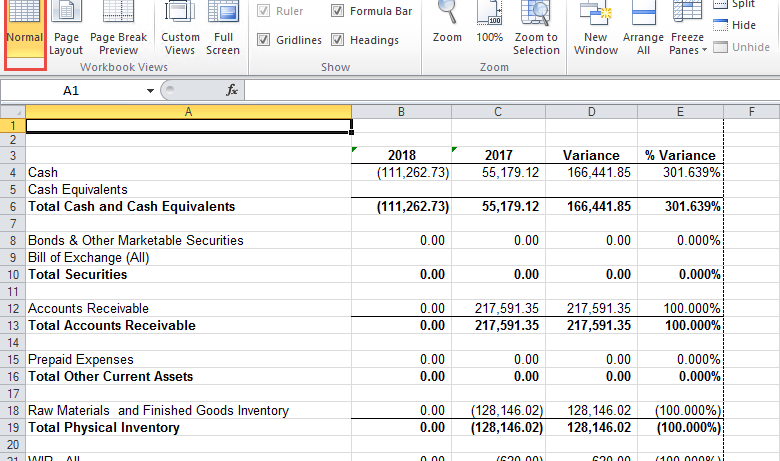
Have you ever noticed that when you download Management Reporter (MR) reports into Excel, the headers don’t show up at all in the Normal View, or the headers only show up in the Page Layout View? If the Page Layout View in Excel is not to your liking, this can

by Kayla
Read More
Dynamics GP

Save Time Exporting Dynamics GP SmartLists to Excel: How-to Create an Export Solution

Many of our clients like to export their Microsoft Dynamics GP SmartLists to Excel.  Why?  In Excel, you can easily add things like: Summary Totals Pivot Tables Charts And more However, it can become a tedious and time-consuming process if you export many SmartLists. How to Automate your exports Wouldn’t

by Dan Milani
Read More
NewGPBudgetID1
Dynamics GP

How to Get a New Dynamics GP Budget ID to Show Up in Management Reporter MR

It’s very common for our customers to add new budgets to Microsoft Dynamics GP.  With the Legacy Provider in Management Reporter (MR), the new Budget ID would show in the Column Definition “Book Code/Attribute Category” field automatically.  With the MR Data Mart, there are a couple of steps below that

by Lori
Read More
Growth buttonsmall
Dynamics GP

Oh My, How You Have Grown! Excessive File Size Growth in Management Reporter (MR) Database

Has your MR database gotten so big it’s out of hand? I recently encountered issues relating to the excessively large size of Management Reporter (MR). So, I wanted to remind everyone of the importance of maintenance of your MR system, and associated data sets. Here are my recommendations for MR

by Dan Milani
Read More
SLTemplates1
Dynamics SL

Using Templates for Reports in Dynamics SL

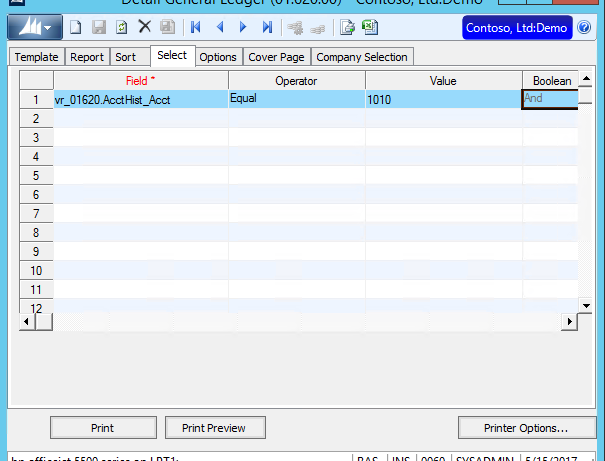
With Dynamics SL reports, users can save templates of their report options. They can use these templates the next time they run the same report, so they do not need to set the options back up each time. Some examples are: Running an AP Check Register for a range of

by Lori
Read More
MRCashflow 1
Reporting

Statement of Cash Flow Tips for Management Reporter

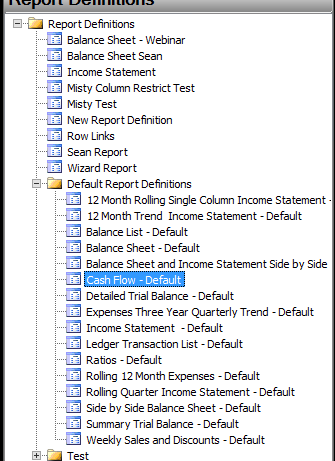
The Crestwood Support Team receives a lot questions about creating Statements of Cash Flow in Management Reporter (MR).  I’d like to provide to you answers to some of the most commonly asked questions about Cash Flows, and show you some tips along the way. Default Cash Flow Report I recommend

by Kayla
Read More
MRdata1
Reporting

Multiple Companies Report Not Pulling Data in MR

Imagine the following scenario in Management Reporter (MR).  A report runs fine when running it individually, for separate companies, with no tree.  However, when adding a tree that crosses multiple companies from different Dynamics SL application databases, the report gives no data.  How can this be? The cause of this

by Lori
Read More
MR logo
Dynamics GP

Adding a Logo to a Management Reporter Report

Using logos on your Management Reporter (MR) reports can make your reports look more formal and professional.  Luckily, it’s super easy to do! Save a copy of your company’s logo anywhere on your local computer or network.  It must be in the format of a “jpg,” “bmp,” or “png” file.

by Lori
Read More
SL Dashboard
Reporting

MR CU16 & More

Many Dynamics SL users have been confused by Microsoft’s messaging around Management Reporter (MR). Here's a question I've heard a few times lately: "I'm planning my Dynamics SL 2015 upgrade from Dynamics SL 2011, is it worth migrating to MR if it’s going away?" Here's the low-down: MR is being sunset – meaning no new

by Mike Gordon
Read More
SQLReport1
General ERP

Hiding a Blank Row in a SQL Server Reporting Services (SSRS) Report

Did you know you could hide a row on a SSRS report if all the fields on that row are blank? I found a lot of documentation on how to hide a text box, or even a row based a condition or calculation, such as blank, zero or null values. 

by Brandon
Read More
RemoveDaysMR Pic1
Reporting

How to Remove the Day in a Long Date Format in Management Reporter (MR)

In Management Reporter (MR), when printing a report with a Long Date header, the date shows the day of the week in both the Report Viewer and the Web Viewer as shown here: However, most clients I work with do not want the day of the week in the header.

by Lori
Read More
ARMDateFormat1
Acumatica Cloud ERP

Date Format Formulas ARM

Some of the most common reporting questions I receive are around formatting dates.  All date formats are controlled by formulas entered in the Column Set.  You just need to enter them as their own line in the Header Section. Here are some tips to get you started. Acumatica Date Formats This formula

by Lori
Read More
MR Error1
Reporting

Error Installing Management Reporter 2012

Error I was installing Management Reporter 2012 CU15 and got the following error: “Management Reporter Setup has ended prematurely” or it might state .NET 4.6 is not installed. Resolution: The fix is to run the Windows Server updates to update the server. This will then allow you to install Management

by Dan Milani
Read More
NewSmartList Pic1
Dynamics GP

How to Create a New SmartList Using SmartList Designer

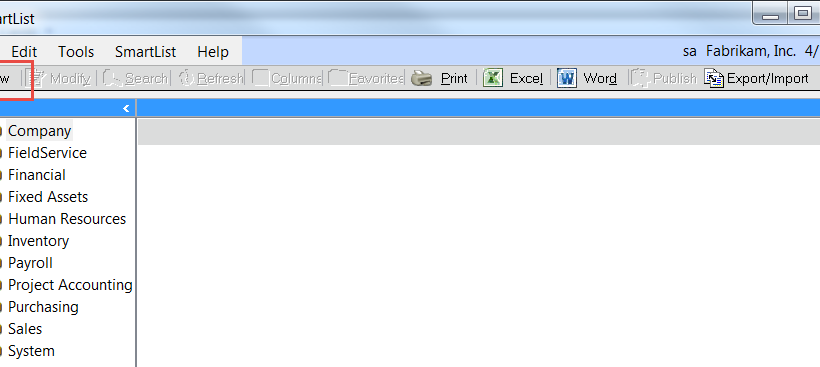
Recently, our support team helped a Crestwood customer set up some new SmartLists using SmartList Designer in Microsoft Dynamics GP.  We created this handy, how-to and wanted to share. Here’s how: Open SmartList (click the Dynamics GP button and then click SmartList) Click the New button at the top left

by Dan Milani
Read More